
Post: Make Filtering vs. Manual HR Data Management (2026): Which Delivers Better ROI?
Make.com filtering automation beats manual HR data management on every metric that matters: cost per error prevented, processing consistency, compliance enforcement, and scale. Manual processes have one real advantage — immediate startup. For any HR team processing more than a handful of hires per month, that advantage disappears fast.
HR automation breaks at the data layer. Candidate records get duplicated. Payroll inputs carry forward wrong department codes. Compliance fields get skipped because someone was slammed during open enrollment. None of that is a people problem — it’s a structure problem. Structure is exactly what Make.com filtering fixes.
This comparison shows where automated filtering wins, where manual management still earns its place, and how to calculate which approach is costing you more right now. For the full strategic context, start with the parent pillar on data filtering and mapping in Make.com for HR automation.
Make.com Filtering vs. Manual HR Data Management: Side-by-Side
| Decision Factor | Make.com Filtering Automation | Manual HR Data Management |
|---|---|---|
| Cost per data error prevented | $1 (automated prevention) | $10–$100 (correction or failure cost) |
| Processing consistency | 100% rule-consistent, 24/7 | Variable; degrades under volume and fatigue |
| Scalability with hire volume | Linear at near-zero marginal cost | Requires proportional headcount growth |
| Compliance enforcement | Encoded in workflow; consistent by design | Dependent on individual staff discipline |
| Cross-system data integrity | Validated at each system boundary | Errors propagate across ATS, HRIS, payroll |
| Audit trail | Automatic, timestamped, logged | Manually maintained; gaps are routine |
| Implementation time | Hours (simple) to weeks (complex pipelines) | Immediate — no setup required |
| Strategic HR capacity freed | High — rote work eliminated | None — staff absorbed by data hygiene |
Verdict: For HR teams processing more than a handful of hires per month, Make.com filtering automation delivers better ROI. The math isn’t complicated — it’s a question of whether you want to pay once to build the filter or pay indefinitely to clean up what slips through without one.
Where the ROI Gap Actually Comes From
The $1 vs. $10–$100 cost ratio reflects a real dynamic in how data errors move through HR systems.
A filter built in Make.com catches a bad record the moment it enters the pipeline — before it touches your ATS, your HRIS, or your payroll processor. Prevention at the entry point costs almost nothing per incident once the filter is live. Correction after the fact is a different equation. Someone has to find the error, trace it back, fix it in multiple systems, reprocess downstream records, and document the change for compliance purposes. That’s 20–60 minutes of HR staff time on a simple correction. On a payroll error, add employee relations exposure on top of the labor cost.
The compounding effect is what makes manual management expensive at scale. At five hires a month, a disciplined team handles it. At fifty, the error rate climbs, the correction backlog builds, and the team starts triaging rather than preventing. Make.com filtering scales the other direction — fifty hires a month runs through the same workflow as five, at the same quality level.
What Manual HR Data Management Does Well
Manual management isn’t worthless — it’s wrong for routine, high-volume data processing. Three situations where it still earns its place:
- Edge cases that require judgment. An applicant with a complicated employment history, a rehire with conflicting records, or a role change that doesn’t fit any existing category — those need a human to interpret context, not a filter to route a field value.
- New data structures with no established pattern. When a system is brand new or a process is still being designed, automating before you know the rules creates brittle filters that break on the first exception. Stabilize the pattern first.
- Relationship-sensitive communication. Offer letters, benefit election conversations, and anything that touches employee sentiment belongs with people, not routing logic.
The mistake HR teams make isn’t doing manual work where judgment matters. It’s doing manual work where the task is purely structural — field formatting, duplicate detection, status routing, required-field validation. Those are filter problems, not judgment calls.
How to Calculate Your Current Data Management Cost
Three numbers tell you where you stand:
- Error discovery rate. In the last 90 days, how many data corrections did your HR team log — or should have logged? Include payroll adjustments, ATS record fixes, and HRIS field updates triggered by downstream complaints.
- Average correction time. For each type of correction, how long does it take? A payroll adjustment runs 30–90 minutes when you factor in documentation. An ATS record fix runs 15–20 minutes. A compliance field correction with an audit trail requirement is 45 minutes minimum.
- Loaded labor cost. Multiply your HR staff’s loaded hourly cost by correction time, then multiply by error frequency over the year. That number is your annual data management tax.
Most HR teams of one to three people doing this calculation land between $18,000 and $60,000 per year in correction labor — before accounting for payroll penalties, compliance exposure, or recruiting delays caused by data bottlenecks. A well-built Make.com filtering layer addresses the bulk of that figure, and in most environments the full filtering build takes days, not months.
For a real-world example of what this looks like in practice, the $27K HRIS overpayment case study walks through exactly how one bad data entry cascaded into a year’s worth of salary in losses.
When Make.com Filtering Is the Wrong Answer
Filtering automation earns its ROI when data patterns are stable and volume justifies the build. It doesn’t make sense in three situations:
- You’re processing fewer than five records per week. At that volume, the build time exceeds the correction time for most use cases. A simple validation checklist is faster to implement and easier to maintain.
- Your data schema changes constantly. If fields, values, and formats are still in flux because your HR tech stack isn’t settled, building filters now means rebuilding them next quarter. Stabilize the stack first.
- No one owns the workflow post-build. A Make.com filter that no one maintains is worse than no filter — it creates false confidence while silently routing bad data. Assign an owner before you build.
How 4Spot Approaches HR Filtering Automation
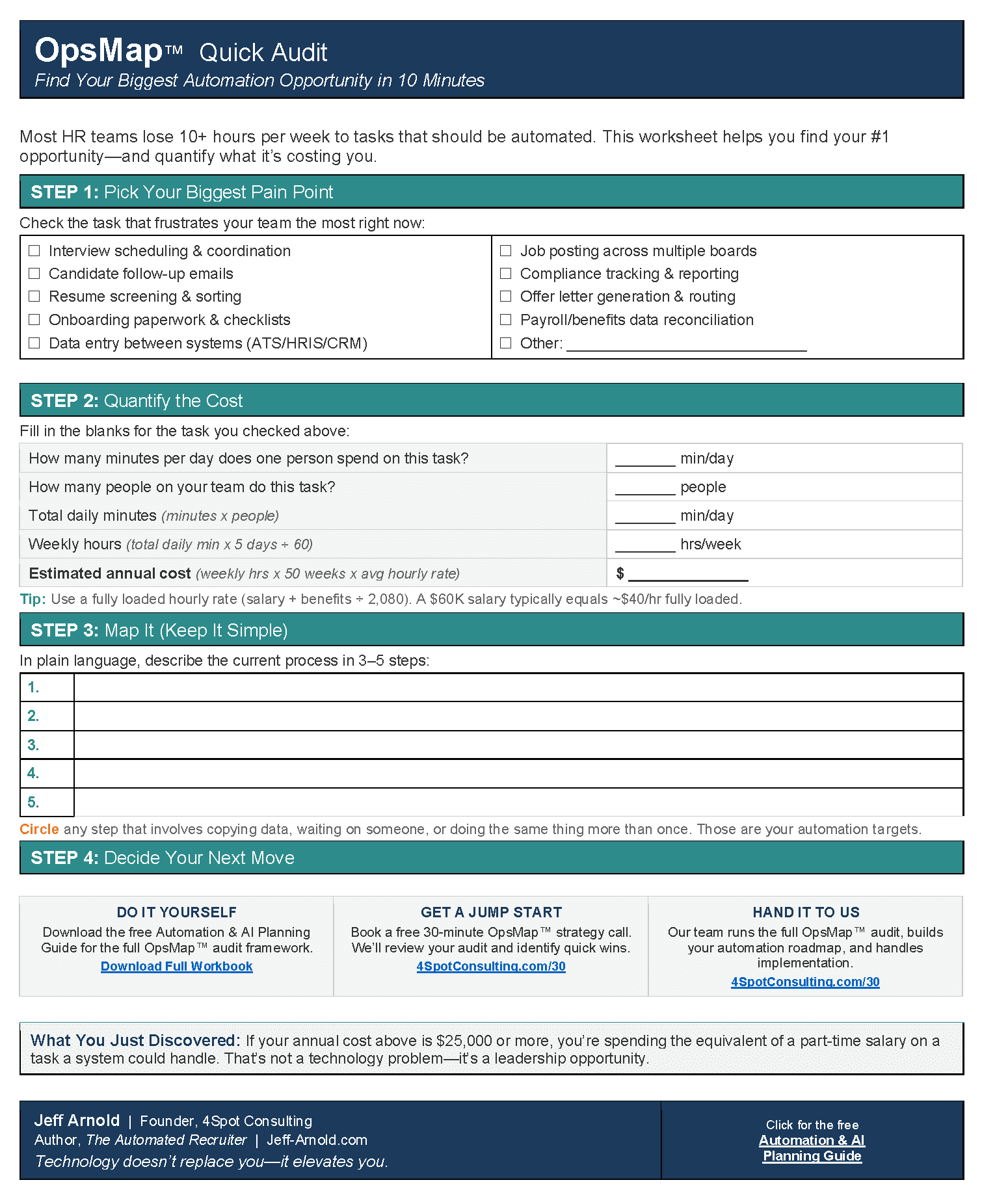
Every engagement starts with an OpsMap™ — a structured audit of your current data flows, error sources, and system boundaries. The OpsMap identifies which filtering problems are worth automating now, which need process cleanup first, and which should stay manual because they require judgment.
From there, a filtering build runs through OpsSprint™ — a time-boxed build cycle that produces working Make.com scenarios connected to your live systems. The output isn’t a prototype; it’s a filter processing real records before the sprint ends.
OpsCare™ covers maintenance after go-live. When your HRIS pushes an update that changes a field format, or your ATS adds a new status value, the filter gets updated before it breaks your pipeline.
If you’re not sure where filtering automation fits in your HR stack, the OpsMap audit overview explains the discovery process in plain language.
The Integration Question Manual Processes Can’t Answer
HR data doesn’t live in one system. It moves from job boards into your ATS, from your ATS into your HRIS, from your HRIS into payroll, and from payroll into benefits carriers. Every handoff is a failure point.
Manual data management assumes someone is watching each handoff. In practice, nobody is — the team is processing the current batch while the previous batch’s errors are accumulating downstream. Make.com filtering enforces data contracts at each boundary: if the incoming record doesn’t meet the defined criteria, it doesn’t pass. If it does, it moves with the fields mapped correctly, the values formatted to spec, and the audit log updated.
That’s a specific capability of Make.com’s filtering and routing architecture. The filter module evaluates conditions before any action runs. The router handles divergent paths without duplicate records. The error handler catches failures before they become silent data corruption. Together, they produce a pipeline that a manual process can’t replicate at any price.
For teams that have already explored what this looks like in practice, six ways the Make MCP changes automation work for HR teams covers the newer tooling that makes these builds faster to create and easier to audit.
Making the Decision
The comparison comes down to one question: are you paying to prevent data problems or to clean them up?
Prevention is a Make.com filtering scenario built once, maintained occasionally, and running 24/7 without anyone watching it. Cleanup is your HR team spending a portion of every week finding, documenting, and fixing records that should never have been wrong in the first place.
Both approaches carry real costs. Only one of them gets cheaper as your hire volume grows.
If you want to see where filtering automation fits in your specific HR operation, the HR operations cleanup guide for small HR teams is the right starting point. Or if you’re ready to map your current data flows, start with what OpsMap is and how it works.



RELATED POST