
Post: Your Blueprint for Intelligent HRIS-ATS Data Sync With Make.com (2026)
The fastest path to a reliable HRIS-ATS data sync is visual automation middleware — specifically Make.com. It deploys in one to three weeks, gives HR ops teams full field-mapping control without a developer, and produces execution logs that surface failures before they corrupt payroll data downstream. For most HR ops teams, this is the right architecture.
Every HR team eventually confronts the same architectural decision: how do you move hire data from your Applicant Tracking System into your HRIS reliably, cleanly, and without a developer on standby? The answer depends on three variables — your tolerance for data-quality risk, your internal technical capacity, and how non-standard your field schema is. Get this choice wrong and you inherit a fragile pipe that drops fields, duplicates records, and quietly corrupts payroll data downstream. Get it right and you have a sync layer that runs unattended for years.
This blueprint walks through the seven steps HR ops teams use to build a production-grade HRIS-ATS sync in Make.com — including the architecture decision that determines whether this project takes days or months. For the data-integrity principles this layer depends on, see HRIS Required Fields vs Manual Data Validation: Which Is Safer for Small HR Teams?
The Three Integration Architectures at a Glance
Before writing a single field map, you need to choose an architecture. Here is how the three viable approaches compare on the dimensions that matter for HR operations teams.
| Dimension | Native Connector | Visual Middleware (Make.com) | Custom API Build |
|---|---|---|---|
| Time to Deploy | Days | 1–3 weeks | 2–6 months |
| Field Mapping Flexibility | Fixed schema only | Full control, visual | Full control, coded |
| Filter / Conditional Logic | None or minimal | Native, no-code | Unlimited, custom |
| Ongoing Maintenance | Vendor-managed | HR ops / no-code admin | Developer required |
| Error Visibility | Low (silent failures) | High (execution logs) | High (custom logging) |
| Schema Change Risk | High (breaks silently) | Low (fix in UI) | Medium (code change) |
| Best Fit | Standard fields, same-vendor ecosystem | Non-standard fields, no dev on staff | High-volume, bespoke logic |
For 90% of HR ops teams without a dedicated integration developer, visual middleware is the right architecture. The blueprint below is built for Make.com. If your org has a dedicated dev team and more than 10,000 hire events per month, a custom build warrants evaluation — but that threshold is rare for most mid-market HR teams.
1. Decide Whether a Native Connector Fits Your Field Schema
Native connectors are the fastest path — but only if your ATS and HRIS are in the same vendor family and your fields map one-to-one without transforms. Check three things before choosing this route:
- Does your HRIS require a department code that your ATS stores as a text string?
- Does your ATS have custom fields your HRIS does not support natively?
- Do you need to route different hire types (full-time, contractor, intern) to different HRIS modules?
If the answer to any of those is yes, native connectors will require workarounds that break under schema changes. Move to visual middleware. Native connectors are a fit for standard-field, same-vendor stacks only.
2. Map the Canonical Hire Record Before Building Anything
Pull the last 20 hire records from your ATS. Document every field name, data type, and format. Then pull the required fields from your HRIS onboarding module and place them side by side. You are looking for three failure modes before a single module gets built:
- Type mismatches — ATS stores start date as text (“2026-06-01”), HRIS expects a Unix timestamp
- Vocabulary mismatches — ATS stores employment type as “FTE”, HRIS expects “Full-Time”
- Missing required fields — HRIS requires a pay group, ATS has no pay group concept
Every mismatch you catch here is a silent failure you prevent. For the downstream payroll risks that fire when these mismatches slip through undetected, see 9 HRIS Configuration Defaults Every Small HR Team Should Change.
3. Connect Your ATS and HRIS in Make.com Using Native Modules or HTTP
Make.com carries native modules for the major ATS platforms (Greenhouse, Lever, Workable, BambooHR) and most HRIS systems. Build the trigger first — a webhook on “candidate marked hired” in your ATS, or a scheduled module that polls for status changes every 15 minutes. Then add the HRIS write module as the final step. Do not configure field mapping yet. Validate the raw data payload from the trigger before touching the destination write module.
If your ATS lacks a native Make.com module, use the HTTP module with the ATS REST API. Most modern ATS platforms expose a hired-event webhook. For a step-by-step walkthrough of building with HTTP modules when no native connector exists, see How to Feed API Docs Into Claude to Build Make HTTP Modules Without Native Connectors.
4. Build the Field-Mapping Layer With Explicit Transforms
This is where most HRIS-ATS syncs fail. Do not pass raw ATS field values directly to the HRIS write module. Build an explicit transform for every mismatch documented in Step 2. In Make.com, this means using the built-in formatter modules and the string, date, and math functions available in the field-mapping panel:
- Date transforms: use
parseDate()andformatDate()to convert between ATS and HRIS date formats - Vocabulary maps: use a Make.com Data Store as a lookup table — ATS value in, HRIS-expected value out
- Fallback defaults: for required HRIS fields with no ATS equivalent, set a hardcoded default and flag the record in a separate log sheet for manual review
Never let a transform fail silently. If a lookup returns null, the scenario must route the record to an error handler — not write a blank value to the HRIS and mark the execution complete.
5. Add Status-Based Conditional Logic for Record Routing
Not every “hired” event in your ATS triggers the same HRIS action. The routing decisions most HR ops teams need to encode:
- Full-time hires → create new employee record in HRIS
- Contractors → create vendor record or skip HRIS entirely, route to contractor management system
- Rehires → update existing record, do not create a duplicate
- Interns → create record with a term-date flag populated at hire
In Make.com, these routes live as filters on the Router module — each branch carries the conditions for that hire type. This logic is invisible in native connectors and requires a developer to change in custom builds. In Make.com, HR ops can read and edit it directly without opening a ticket. For how non-technical HR teams build and own this logic themselves, see How a Non-Technical HR Team Started Building Their Own Automations With Make + AI.
6. Wire an Error Handler to Every External API Module
Every module that calls an external API — your ATS trigger, your HRIS write module, any notification step — needs an error route. In Make.com, this is the route that fires when a module returns a non-200 response. The standard configuration: Break with retry (3 attempts, 60-second interval), then an alert to a Slack channel or email address the HR ops team monitors. What you never want: a silent failure that marks the execution complete while the hire record was never written to the HRIS.
Watch for this specific failure pattern in HRIS writes: the API accepts the request (200 OK) but writes a partial record because a required field was blank or in the wrong format. Test for this explicitly by sending a record with each required field intentionally omitted and confirming the HRIS rejects it cleanly before go-live.
7. Run Validation With Real Hire Records Before Going Live
Before activating the scenario, run it in test mode against the last five real hire records from your ATS. Check four things in the HRIS after each test run:
- Did the record create (or update) without error?
- Are all required fields populated with correct values — not blanks, not defaults?
- Did the department, job title, and pay group land in the correct HRIS fields?
- Does the new HRIS record trigger the correct onboarding workflow downstream?
Only after all five records pass without manual cleanup should you flip the scenario active. For a deeper pre-production validation checklist, see How to Evaluate a Make Scenario Before It Goes to Production.
Expert Take
Most HRIS-ATS sync failures are not API failures — they are field-mapping failures. The ATS stores a department as “Engineering – SF” and the HRIS expects a numeric department code. The sync runs, posts 200 OK, and writes garbage into the payroll record. Make.com’s visual mapper surfaces this before it becomes a quarter-end payroll problem, because you see exactly what maps to what before the first record moves. The architecture decision is almost always settled by one question: do you have non-standard fields? If yes, you need explicit transforms. Explicit transforms need a visual layer — and that visual layer needs to be owned by HR ops, not IT.
Related Resources
- 6 Ways the Make MCP Changes Automation Work for HR Teams
- How Solo and Small HR Teams Can Fix Broken HR Operations Without Burning Out
- How HR Can Fix Broken Hiring Processes Without Slowing Down the Business
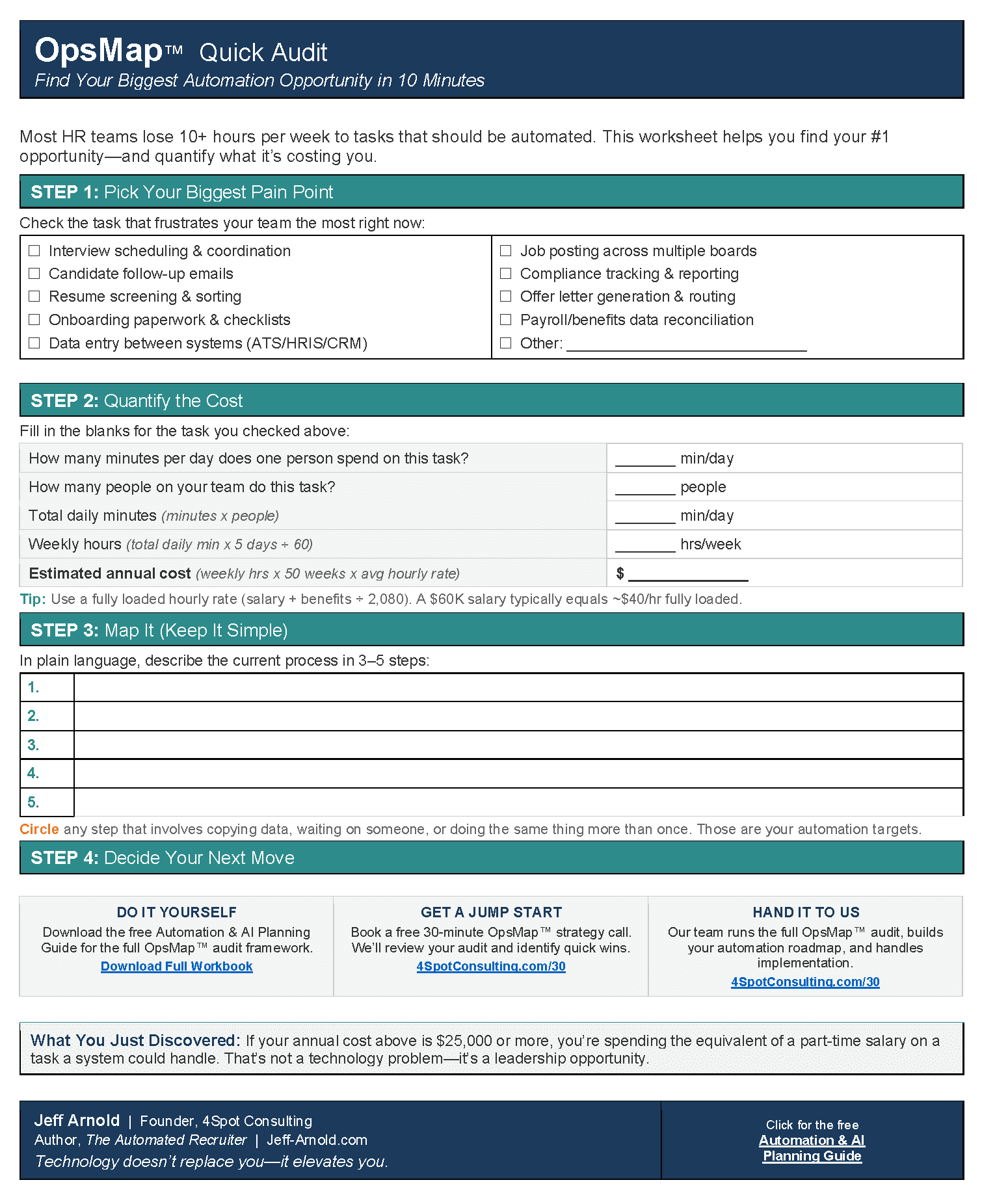
- How to Run an OpsMap™ Audit Before Automating Anything
Frequently Asked Questions
- What is the most reliable way to sync ATS hire data to an HRIS?
- Visual automation middleware — specifically Make.com — is the most reliable approach for HR teams without a dedicated integration developer. It gives you full field-mapping control, visible execution logs, and error routing, all without writing code. Native connectors are faster to deploy but fail silently when field schemas diverge from the connector’s expectations.
- Does HRIS-ATS integration in Make.com require a developer?
- No. Make.com is built for operations teams. Most major HRIS and ATS platforms have native Make.com modules. For platforms without native modules, the HTTP module handles REST API connections — and AI tools can generate field-mapping configuration directly from your API documentation.
- What is the biggest data-integrity risk in HRIS-ATS integration?
- Field-type and vocabulary mismatches between systems. The ATS and HRIS rarely use identical field names or data formats. A hire date stored as text in the ATS, a department stored as a string where the HRIS expects a numeric code — these mismatches write incorrect data silently. Mapping every field explicitly before building is the only reliable prevention.
- How do native HRIS-ATS connectors fail?
- Native connectors fail in two ways: silently, when a field value does not match the HRIS schema and the connector substitutes a blank or default value; and catastrophically, when a vendor API update changes a field name and the connector stops syncing entirely. Neither failure mode surfaces an alert by default — most teams discover the problem weeks later during a payroll audit.



RELATED POST