
Can a signed document be legal?
Yes. A signed document is legally binding when the agreement in it is valid and the person who signed had the authority to sign it. In the United States, an electronic signature carries the same weight as ink for transactions in or affecting interstate or foreign commerce. The federal Electronic Signatures in Global and National Commerce Act (ESIGN) says a signature, contract or record cannot be denied legal effect solely because it is electronic, with listed exceptions such as wills and court documents. The signature proves the person agreed. It does not save a document with missing terms, the wrong signer or an unlawful purpose.
Law covered: Electronic Signatures in Global and National Commerce Act (ESIGN), Public Law 106-229
Jurisdiction: United States (federal)
Effective date: October 1, 2000
Scope: Signatures, contracts and other records relating to transactions in or affecting interstate or foreign commerce. Excludes wills and testamentary trusts, family law matters, most of the Uniform Commercial Code, court documents and certain notices.
Source: Public Law 106-229 on GovInfo
Key Takeaways
- A signature shows intent to agree. The document still needs clear terms and a signer with authority.
- Under the ESIGN Act, an electronic signature cannot be denied legal effect solely because it is electronic.
- Some documents fall outside the ESIGN Act, including wills, family law matters and court documents.
- In practice, a signed document is strong when the firm can prove who signed, which version and when.
- Questions about a specific document go to qualified counsel.
What makes a signed document legally binding?
A signed document is binding when it records a valid agreement between parties who had the authority to make it. The signature is the evidence that a person accepted the terms in front of them.
That evidence answers one question: did this person agree to this document? Other questions stay open, and they are the ones counsel examines when a document is challenged:
- Who signed. Did that person have authority to bind the client, the firm or the company?
- What they signed. Was it the final version, with every term filled in?
- When they signed. Did anything in the document change afterward?
- What the agreement does. Is its purpose lawful?
A clean signature on the wrong version is still the wrong version. That is why the signing step belongs in the matter record, not tacked on at the end of the work.
Does an electronic signature count the same as ink?
Yes. For transactions in or affecting interstate or foreign commerce, the ESIGN Act puts electronic signatures and records on equal footing with paper. Section 101(a) says a contract cannot be denied legal effect, validity or enforceability solely because an electronic signature or electronic record was used to form it.
Section 106 of the ESIGN Act defines an electronic signature as an electronic sound, symbol or process attached to or logically associated with a record and adopted by a person with the intent to sign it. A typed name, a drawn signature or a click on an “I agree” button fits that definition when the intent to sign is there.
The Act also sets two limits. Section 101(b) of the ESIGN Act states that it does not require any person to agree to use or accept electronic records or signatures. Section 101(e) adds that when a law requires a contract to be in writing, the electronic version can be denied legal effect if it cannot be retained and accurately reproduced for later reference by everyone entitled to keep it.
Storage is part of the signature’s value. A signed file nobody can pull up and reproduce later is weak evidence, however clean the signature looks.
Which documents fall outside the e-signature rules?
The ESIGN Act excludes several categories in Section 103, so an electronic signature does not settle every document a law firm handles. The exclusions cover wills, codicils and testamentary trusts; adoption, divorce and other family law matters; most of the Uniform Commercial Code; court orders, notices and official court documents; certain notices such as utility cancellations, default and foreclosure notices, insurance terminations and product recalls; and documents that travel with hazardous materials.
Notarization has its own rule. Section 101(g) of the ESIGN Act says that when a law requires a record to be notarized, acknowledged, verified or made under oath, the electronic signature of the person authorized to perform that act satisfies the requirement, along with any other information that law requires.
This post covers the federal Act only. Before moving a document type to electronic signing, confirm with qualified counsel which rules apply where the document will be used. Nothing here is legal advice.
What weakens a signed document in practice?
A signed document loses strength when the firm cannot prove who signed it, which version they signed or when they signed it. The weak points are almost always in the steps around the signature:
- Version confusion. A draft goes out, terms change, and the signed copy no longer matches the file of record.
- Unclear identity. The signing request went to a shared inbox, or someone signed for another person without written authority.
- No audit trail. Nothing records when the document was sent, opened and signed. Our list of audit log data points for automation compliance covers what a usable log captures.
- Lost copies. The signed file lives in one person’s email instead of the matter file. A written data retention policy sets where signed records go and how long they stay.
- Manual re-keying. Staff copy signed terms into another system by hand, and the two records stop matching.
Expert Take
In our build work, the signature is rarely the problem. The steps around it are. A document gets signed, then saved to the wrong folder, renamed, or retyped into another system. A year later a client questions the terms, and the firm has a signature with no clean record of what was signed. We treat sending, signing, filing and logging as one automated sequence. The signed copy, its audit record and the matter file update together every time, and nobody retypes anything.
Frequently asked questions
Is a typed name a valid signature?
A typed name counts as an electronic signature under Section 106 of the ESIGN Act when the person typed it with the intent to sign the record. The harder question is proof. The firm needs a record showing that the named person, and nobody else, did the typing.
Can a client refuse to sign electronically?
Yes. Section 101(b) of the ESIGN Act states that it does not require any person to agree to use or accept electronic records or signatures. Keep a paper path open for clients who decline, and record which method each client used.
Does a signed document need a notary?
Only when a specific law or the receiving party requires one. Where a law does require notarization, Section 101(g) of the ESIGN Act lets the authorized officer’s electronic signature satisfy it. Counsel confirms which of your documents fall under that rule.
Why getting signatures right matters, and where help fits
A signed document is only as strong as the record behind it. For a law firm, that record protects the client relationship, backs up engagement and fee agreements, and holds up when a matter is reviewed or disputed. When signing runs through email attachments and manual filing, every handoff is a chance for the wrong version to get signed or for the signed copy to go missing.
Outside help earns its place here because the signing step touches intake, document generation, the matter file and the audit log at the same time. Designing it correctly means mapping each of those steps before anything gets built. The Make.com scenarios for document management we have written about show how those pieces connect.
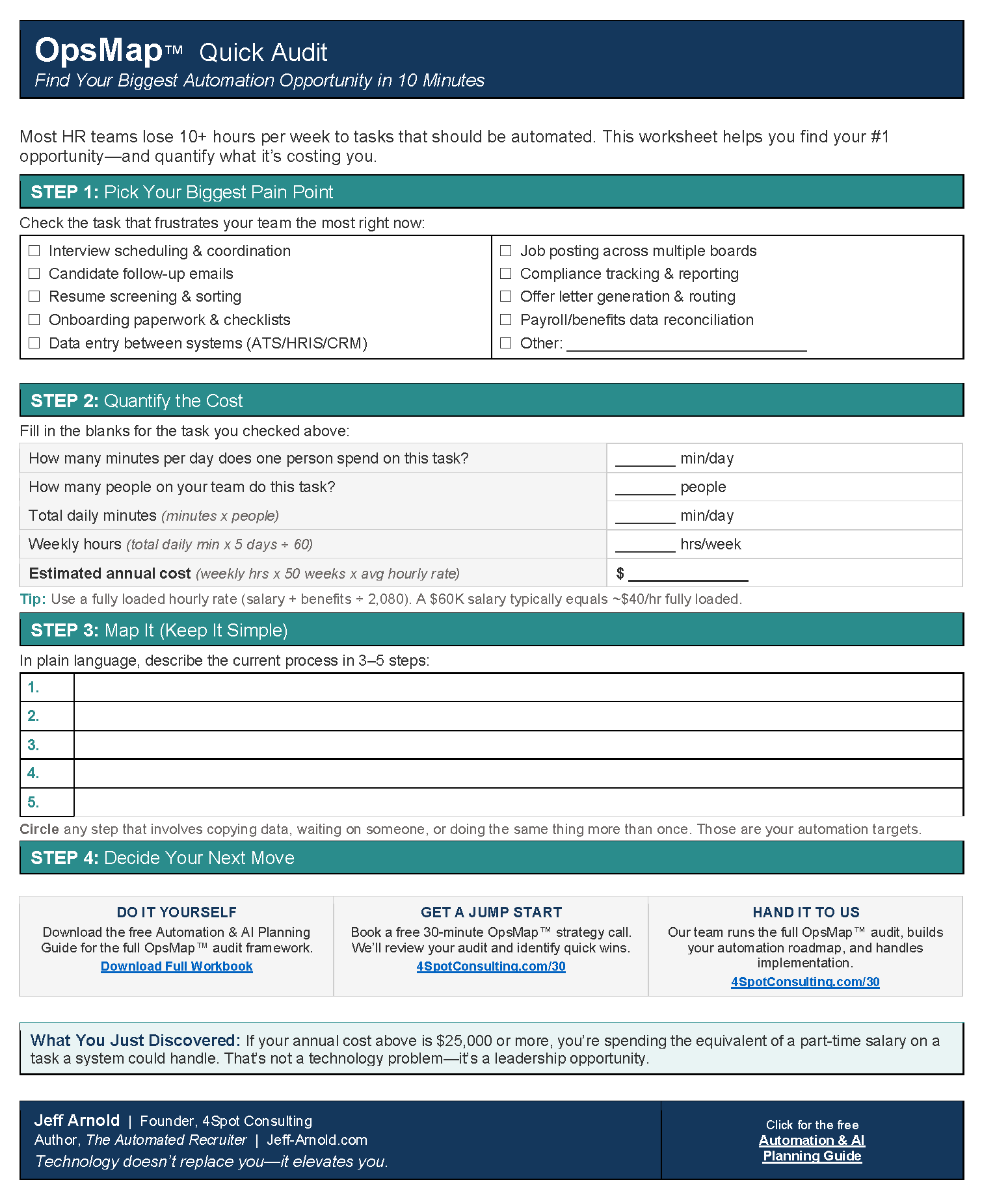
That is the work 4Spot Consulting does: automation and AI done right, built on Make.com. An OpsMap™ engagement maps where documents are created, sent, signed and stored. Then we design and build the automation so each signed file is filed, logged and matched to its matter without anyone retyping it. If you are still deciding whether to bring in an agency at all, our guide 5 Signs Your HR Needs a Workflow Automation Agency walks through the signs that it is time.
Next steps
If your firm wants signed documents that hold up and file themselves, start a conversation with 4Spot Consulting. We will look at how documents move through your matters today and where automation helps most.

RELATED POST