Claude Duet Review: I Tested Anthropic’s Phone Assistant
Claude Duet is Anthropic’s proactive assistant app for your phone. It reads your accounts, finds conflicts, drafts replies, and asks for your approval before it sends, pays, signs or deletes. I got early access and tested it on my phone for four minutes. It handled calendar, email and a hand-off to my computer. A company-wide version needs your own systems wired in.
Key Takeaways
- Duet moves a meeting, drafts the email, and waits for your tap before anything goes out.
- It takes a correction mid-conversation and rewrites using the thread it already read.
- It can pass a task to a Claude session on your computer, with an approval card first.
- Anthropic states its limits: it misreads threads, it is weaker at personal errands, and it cannot show its browser yet.
- Duet is a strong fit when you have nothing built. If your systems already connect, the question changes to what you want it to reach.
- A company version works across laptops and desktops, not only a phone, and it runs on rules you set.
What is Claude Duet?
Claude Duet is a proactive agent app from Anthropic, built around Opus 5.5 and announced October 21, 2026. It is a waitlist research preview for Pro, Max and Ultra plans in the US, on iOS, Android and claude.ai, according to Anthropic’s Duet page and TechCrunch’s coverage.
Anthropic describes it this way: Duet runs in its own virtual machine with a browser, connects to more than 6,000 apps, and checks your accounts every few hours. It asks for approval before it sends, pays, signs or deletes. It shares your plan’s usage limits.
What did I test?
On Wednesday, November 18, 2026, I recorded my phone screen for 4 minutes and 22 seconds. I gave Duet a short list of everyday jobs: a calendar conflict, an email to send, an inbox to check, a reply to correct, a file to find, and a reminder to set. I used a demo account with sample contacts and files, so no client information appears in any screenshot or recording.
I run my own version of this on my computer, connected to all of my systems. I wanted to see how close an app gets out of the box.
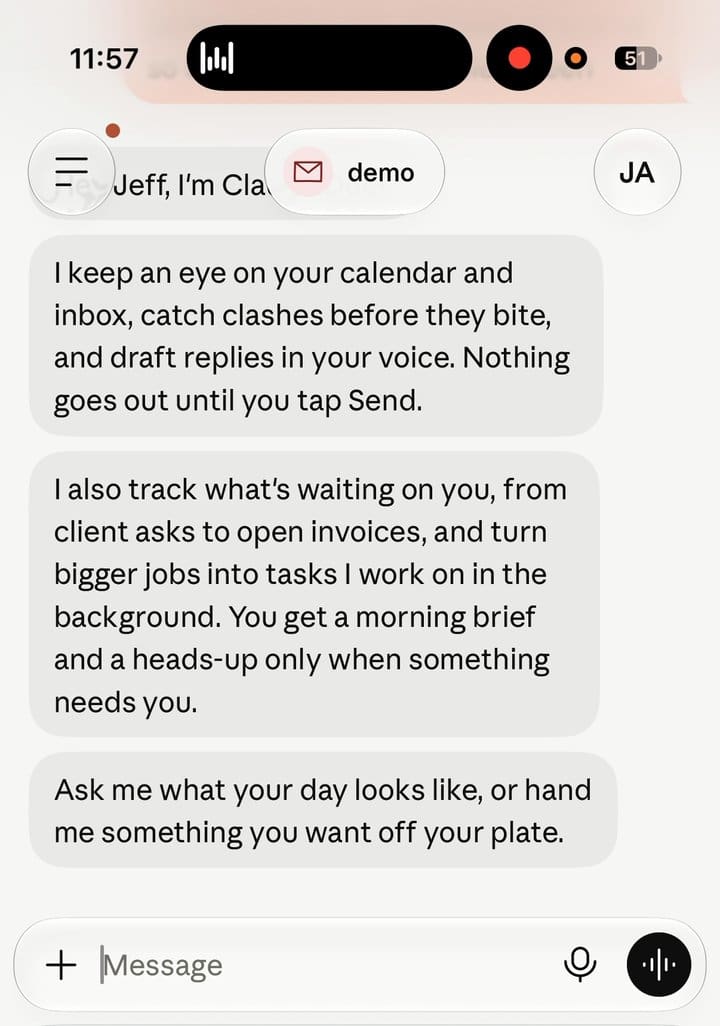
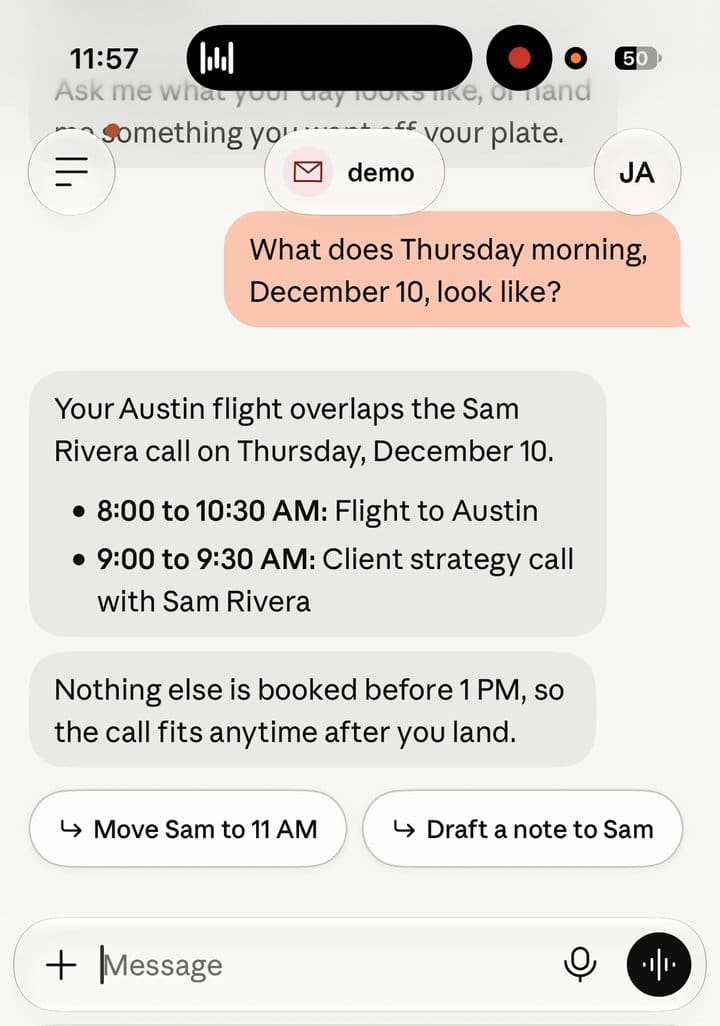
How does Duet handle a calendar conflict?
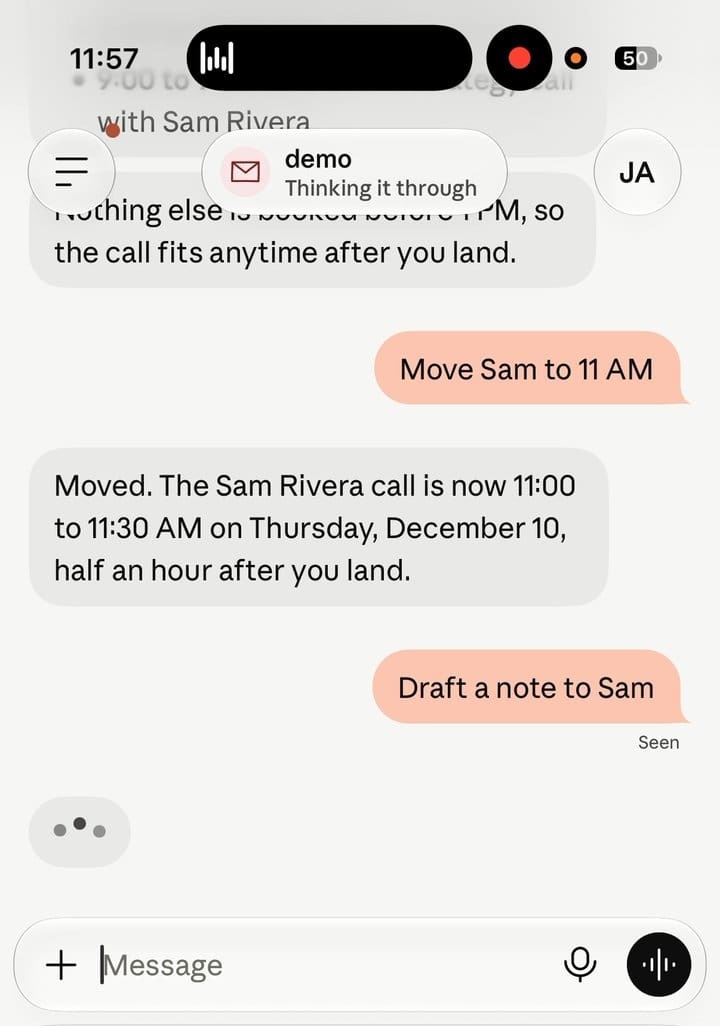
It finds the conflict, proposes the move, and makes the change after you approve. I asked it to move a meeting. It spotted the overlap on my calendar and rescheduled the meeting.

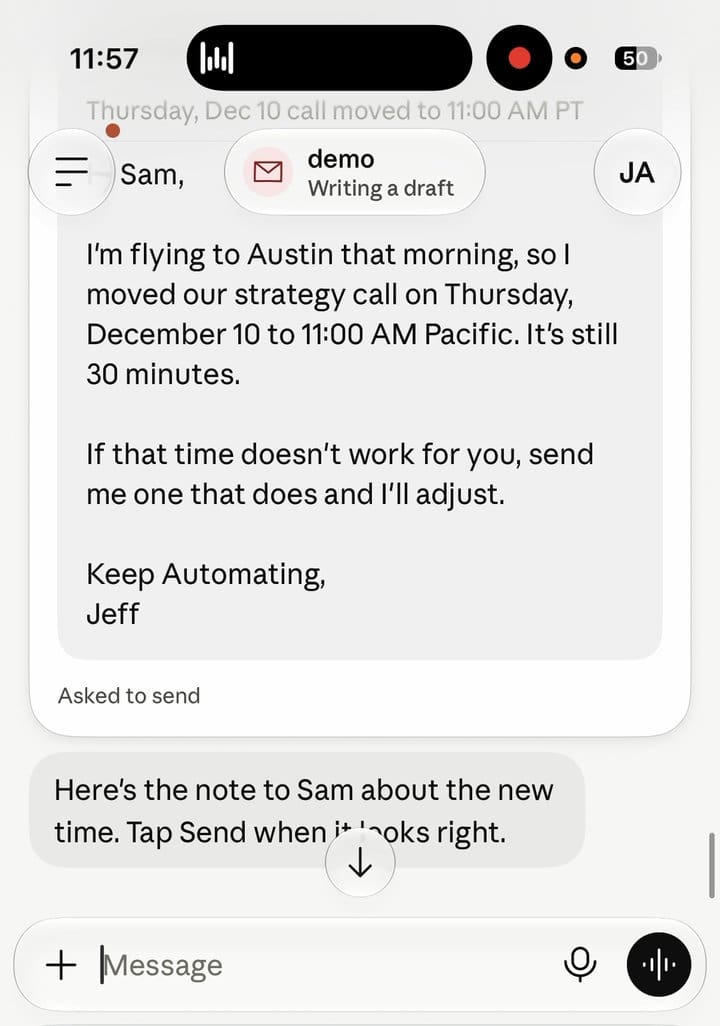
How does Duet draft and send an email?
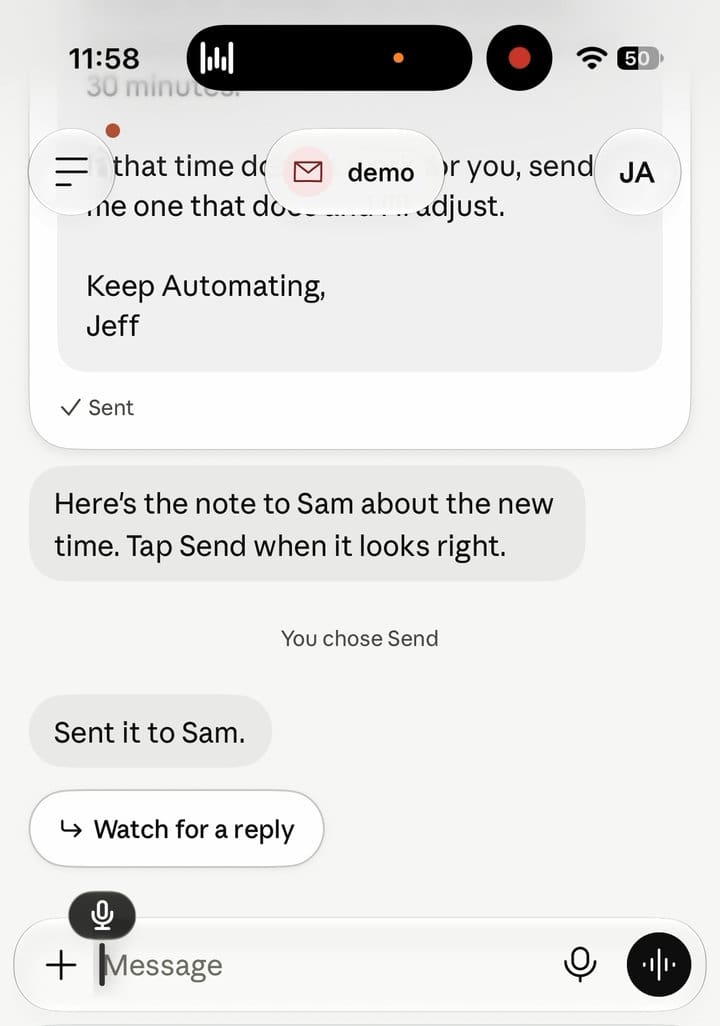
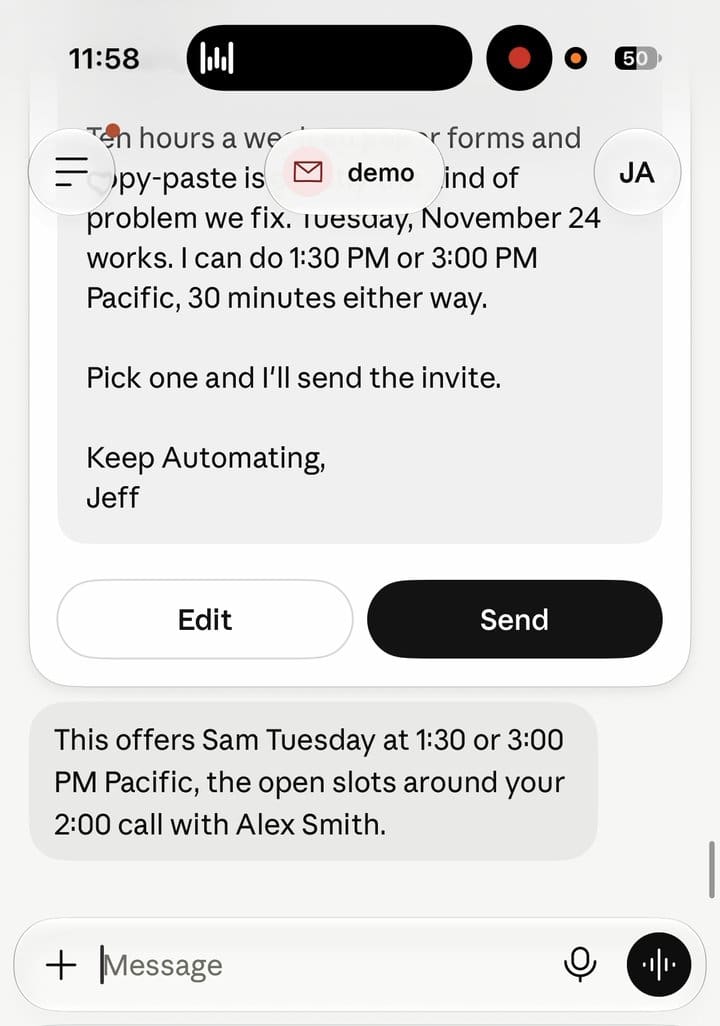
It writes the draft, shows it to you, and sends only after you approve. The approval card is the control that matters most in a tool with access to your inbox: nothing leaves without a tap.
What does Duet do with an inbox?
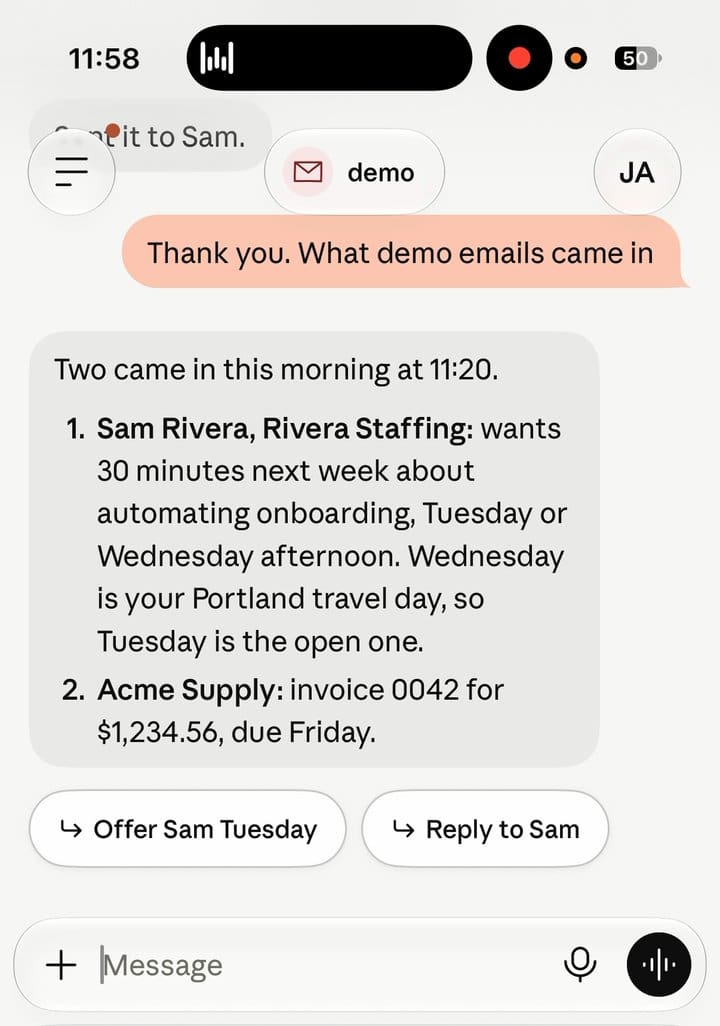
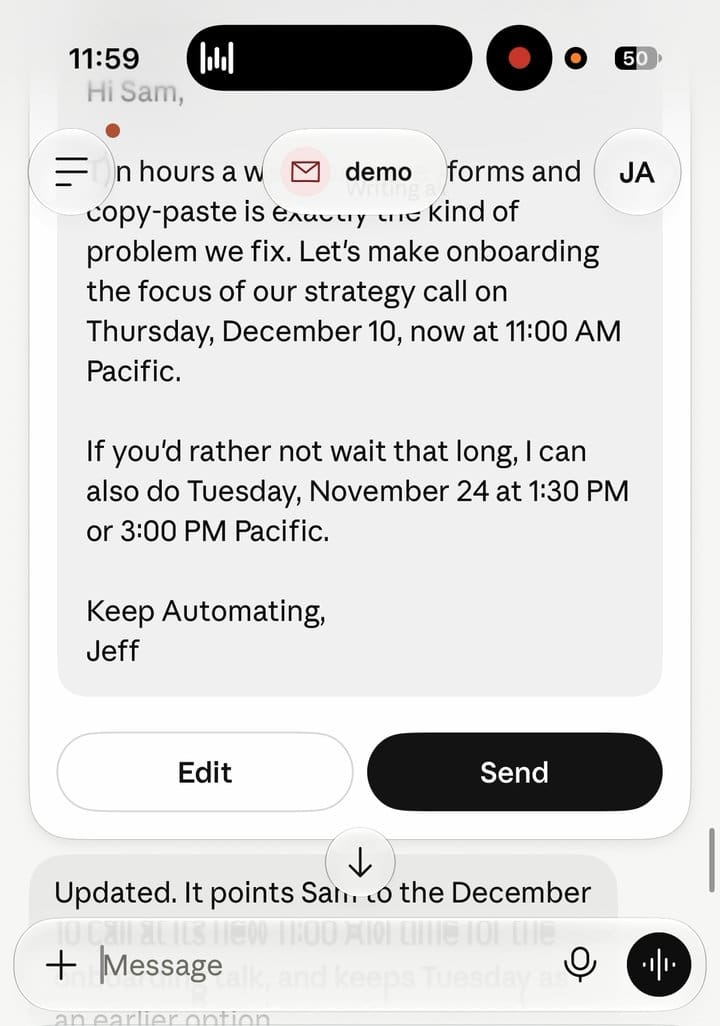
It summarizes what came in and drafts replies you can edit before sending. I asked for an inbox check, then opened a draft reply and edited it.
Can you correct Duet mid-conversation?
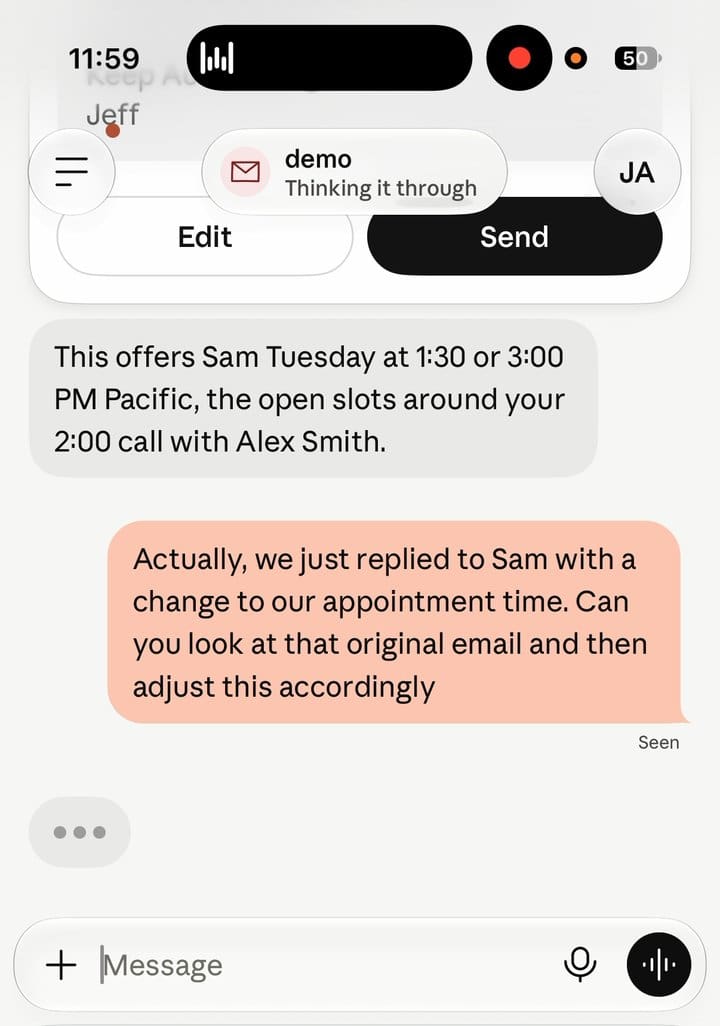
Yes. I told Duet the draft said the wrong thing. It went back to the thread and rewrote the reply using what the other person had written. Corrections work the way they do with a human assistant: you say what is off, and it revises with the context it already has.
Can Duet hand work to your computer?
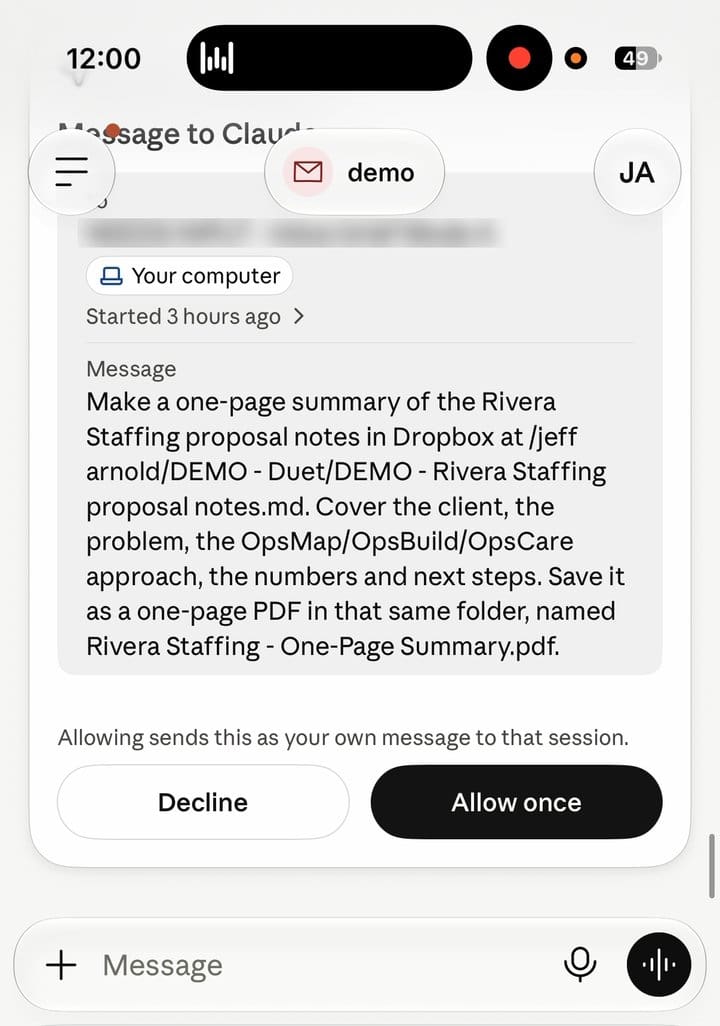
Duet showed an approval card labeled “Message to Claude” addressed to a Claude session on “Your computer.” I approved it, and the request went to that session. This is the part that matters for businesses: the phone is the front door, and the work happens where your files and tools live.
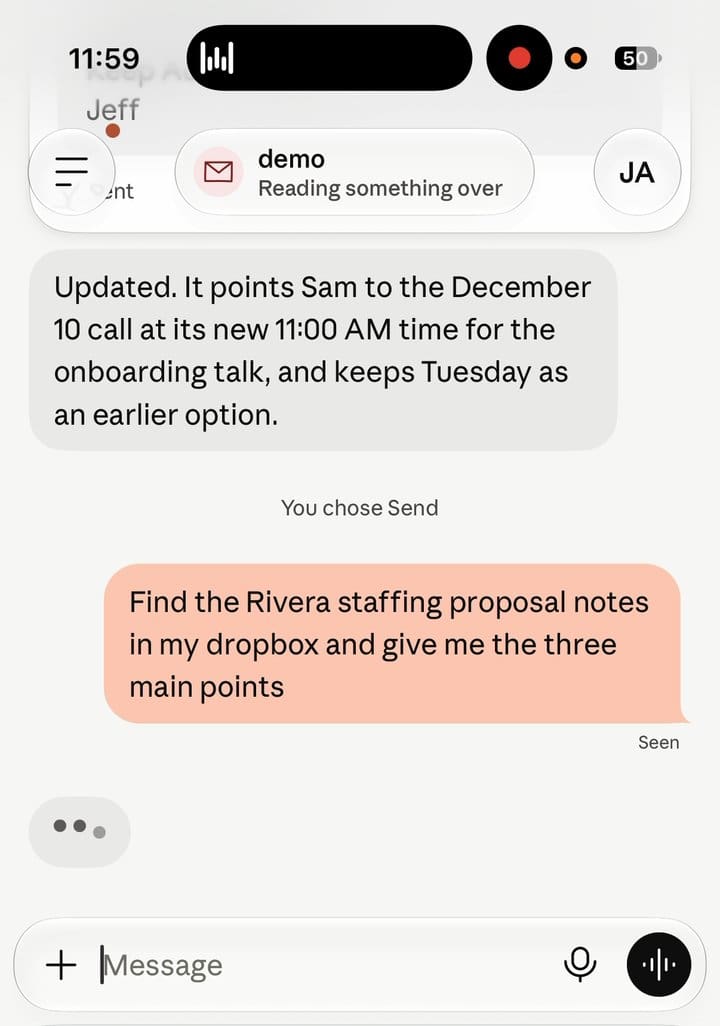
I also asked it to find a file in Dropbox. The recording ends before that task finishes, so I can’t show the result.
Does Duet know your business systems?
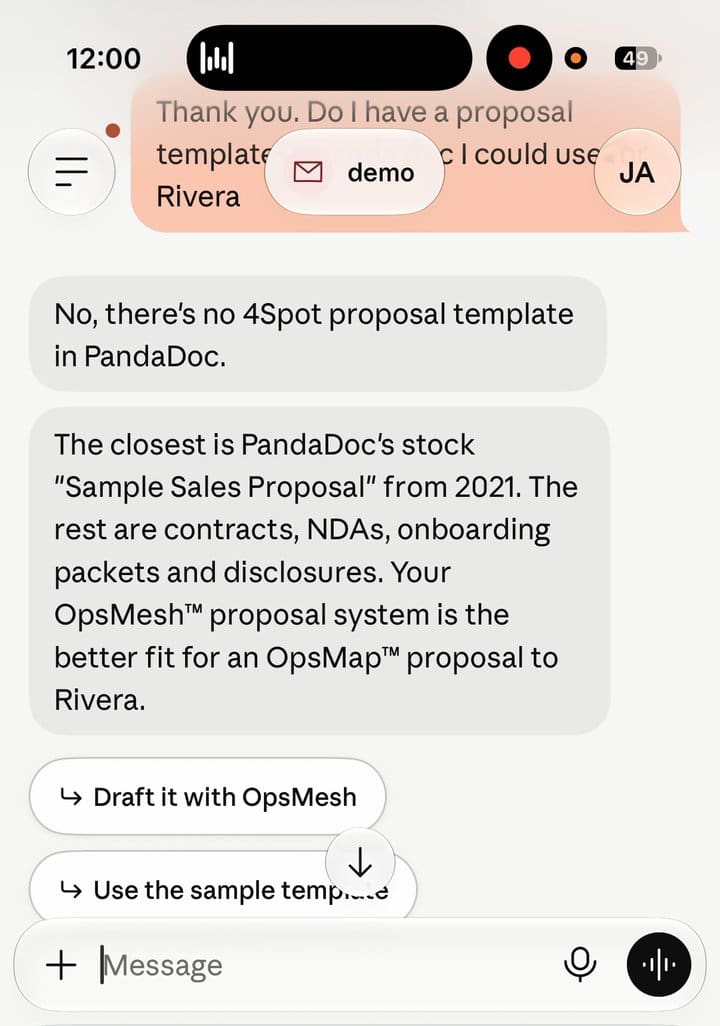
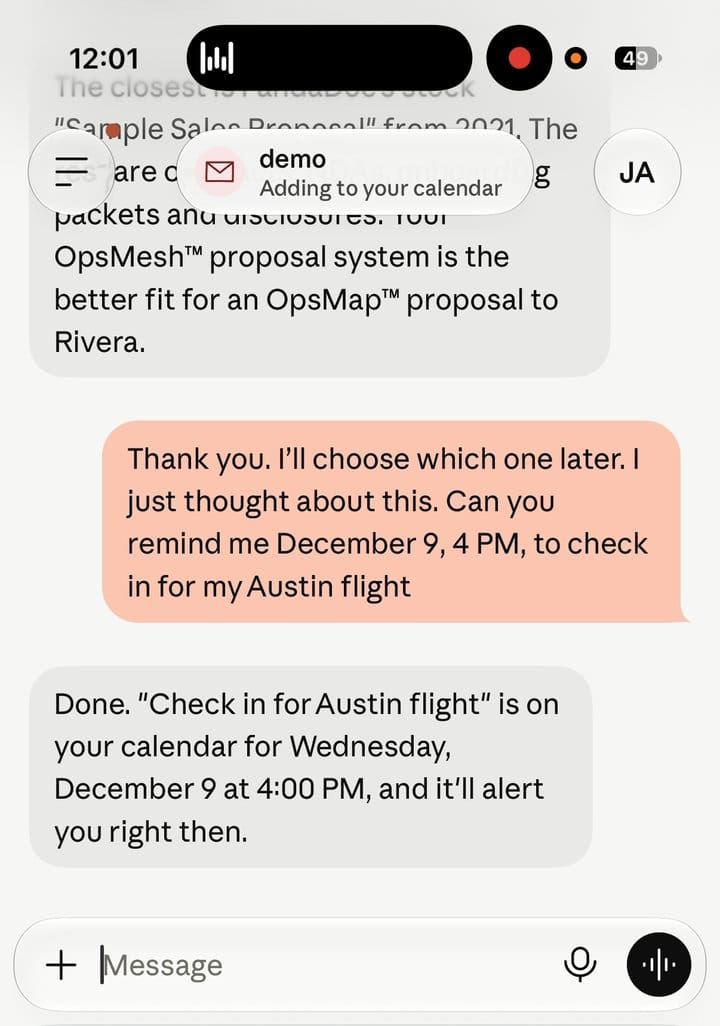
It answers from what it is connected to. I asked a question about a proposal template, and Duet answered that there was no 4Spot proposal template in what it could see. On a demo account with sample data, that is the honest answer, and it shows the point: Duet knows what you connect to it, and nothing more.
Can Duet set a reminder?
Yes. I asked for a reminder and Duet put it on the calendar.
What are the limits of Duet?
Anthropic lists three itself: Duet misreads threads, it is weaker at personal errands, and it cannot show its browser yet. It is also a waitlist preview, limited to the US, and its work counts against your plan’s usage limits.
Two more limits come from how any phone-first app is built. It works with the apps you connect to it. And the rules for what it can do are Anthropic’s defaults, not yours.
Why did I already have this built?
Expert Take. I started building my own assistant before Duet existed, because the useful part of an assistant is not the chat window. It is what the assistant can reach and what it is allowed to do without asking. Mine reads my inbox, drafts replies in my voice, builds meeting briefs, and hands work to Claude sessions on my computer. The approval rules are mine. When Duet showed the same shape, an app with approvals and a hand-off to a computer, it confirmed the design. What it cannot do out of the box is know your company’s processes. That part is built, not downloaded.
What does a company version look like?
A company version connects the systems your team already uses, runs on laptops and desktops as well as phones, and follows approval rules you write. That is the work we do at 4Spot Consulting.
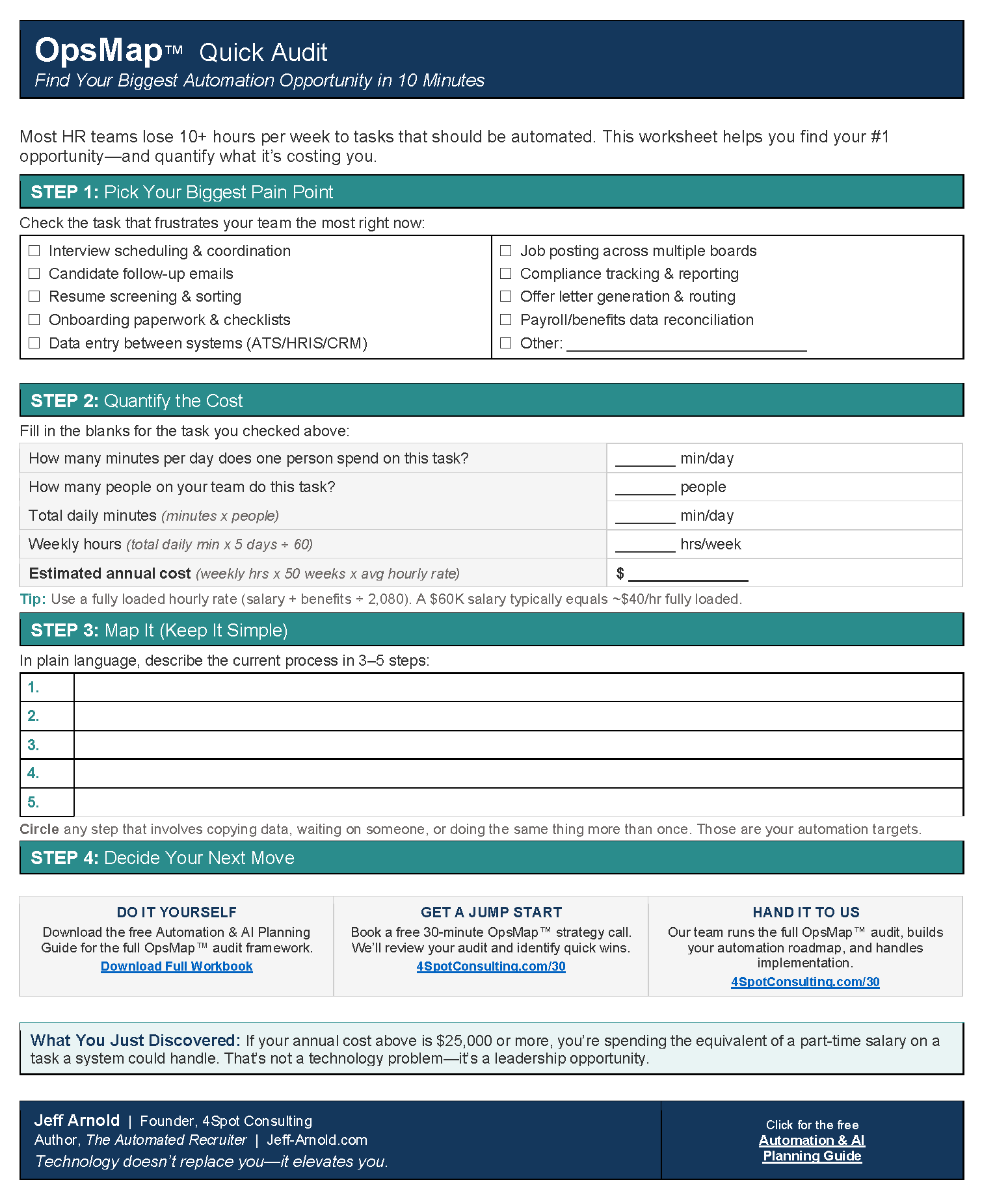
- It starts with an OpsMap™ that finds the processes worth automating and the systems they touch.
- Make.com handles the connections between your systems, so data moves without anyone retyping it.
- The assistant works from your computers and your accounts, with approvals set by role: who can send, who can pay, who can delete.
- Your team keeps working the way they work now. Nothing new to learn, which is the adoption-by-design principle behind every build.
Technology does not replace people. It elevates them. The assistant takes the admin work, and your people keep the judgment calls.
Should you use Duet or build your own?
Use Duet when you have no assistant, no connected systems, and a personal workload of email and calendar. It is a fast way to start.
Build your own when your work lives across several systems, when more than one person needs the same assistant, or when approvals need to follow your company’s rules. At that point the value comes from the connections, and the connections are yours to design.
Frequently Asked Questions
Is Claude Duet available to everyone?
No. It is a waitlist research preview for Pro, Max and Ultra plans in the US, per Anthropic.
Does Claude Duet send emails without asking?
No. Anthropic states it asks for approval before it sends, pays, signs or deletes, and the test showed the approval card before sending.
Can Claude Duet work with my computer?
In the test, it passed a task to a Claude session on my computer after I approved the card.
How is a custom assistant different from Duet?
A custom assistant connects to your own systems, runs on your computers, and follows approval rules you set.
Which automation platform does 4Spot use for the connections?
Make.com.
Want this built for your company, working across your laptops and desktops and not only your phone? Contact me to discuss AI and Automation for your business.


RELATED POST