What breaks in payroll when a small team hires in a new state or country?
When a small team hires its first employee in a new state, payroll breaks in three places: the company has no tax or unemployment insurance accounts in that state, so withholding and filings run for the wrong state or not at all; the new state’s own pay rules, such as minimum wage and required pay frequency, are not set up; and the HR system still shows the old work location, so every calculation downstream uses the wrong rules. A hire in another country goes further, because a payroll setup built for US employees has no path to pay that person as an employee, so the company needs a local entity or an employer of record before the first paycheck.
Key Takeaways
- A new state means new tax accounts, and they have to exist before the first pay date, not after it.
- Pay rules change with the work location, including minimum wage and required pay frequency.
- The damage starts upstream, in the offer letter and the HR system, not in the payroll software.
- The work location field is the trigger: when it names a new state or country, a checklist should start on its own.
What breaks first when an employee works from a new state?
The tax accounts break first, because the company has never registered with that state. Before the first paycheck, the company needs a state income tax withholding account where the state has an income tax, plus a state unemployment insurance account. The IRS points employers to each state’s own websites for taxation and employer information through its list of state government websites, and the Department of Labor keeps a separate contact list for state unemployment insurance tax offices, one for every state.
When those accounts do not exist, payroll keeps withholding for the home state. Then the employee files a tax return and owes the new state, the home state holds money it should not have, and the company has to register late and correct every pay period the mistake touched.
Registration has to be finished before the first pay date, so the trigger cannot come from payroll, which learns about the hire only when the first pay run is already on the calendar.
Which pay rules change when the work location changes?
Minimum wage and required pay frequency both change, because each state sets its own. The Department of Labor’s table of state minimum wage laws lists each state’s rate, and its table of state payday requirements shows that some states require weekly pay, others set semi-monthly or monthly schedules, and a few set no requirement at all.
Here is how that breaks a small team’s payroll:
- The company pays everyone monthly, and the new hire works in a state that requires a more frequent payday.
- An hourly rate set for the home state sits below the new state’s minimum.
- The payroll calendar, the time-tracking export and the approval schedule all assume one set of rules, so a second set means a second process that nobody has written down.
None of this shows up as an error. The software runs whatever schedule and rate it was given.
What changes when the new hire is in another country?
The whole payroll path changes, because a payroll setup built for US employees runs on US tax tables, US dollars and US benefits, and it is not set up to employ someone abroad. Before the offer goes out, the company picks how it will employ the person:
- A local entity. The company sets up its own legal presence in that country and runs payroll there.
- An employer of record. A provider in that country becomes the legal employer, runs local payroll and benefits, and bills the company.
- A contractor agreement. The person is not an employee and invoices for the work. This is a classification decision under that country’s rules, so get qualified counsel in that country before choosing it.
If the contractor route is on the table, our guide to automating payroll, compliance and onboarding for contract talent covers how to run that side of the work.
The systems around payroll break too. The offer letter states a salary in US dollars. The HR system has no field for a foreign address format or a country-specific ID. Benefits enrollment offers plans the person cannot use. Employee data now belongs to someone in another country, so ask counsel which privacy rules apply to it before it moves between systems.
Expert Take
Payroll gets the blame for multi-state and international mistakes, but the mistake starts in recruiting. The offer letter is the first document that names where the person will work. If that field starts nothing, payroll finds out on the first pay date, and every step from there is a correction: amended filings, refunds between states and an awkward talk with a new employee about their tax bill. We put the check at the offer stage, not the pay run.
Why do the systems around payroll break, not just the payroll run?
They break because the work location lives in several systems at once, and an update to one does not reach the others. The applicant tracking system holds the location from the job posting. The offer letter holds whatever the recruiter typed. The HR system holds the address from onboarding. Payroll reads its own copy.
When those copies disagree, a person becomes the connection between them, re-keying addresses and catching mismatches by memory. Our guide on moving HR from human middleware to connected systems explains why that pattern keeps producing errors as a team grows.
Remote work adds one more case. An existing employee moves to a new state and tells their manager, not HR. Payroll keeps withholding for the old state until someone notices, and the same registration problem from the first section starts over.
How do you catch a new-state hire before the first paycheck?
Catch it at the offer, by making work location a required field that starts a checklist the moment it names a state or country the company has not paid in before. An automation built on Make.com handles the routine parts:
- Read the work location from the offer or the applicant tracking system when an offer is approved.
- Compare it against a list of the states and countries where the company already runs payroll.
- When it is new, create the tasks: tax and unemployment insurance registration, a pay frequency check, a minimum wage check, and for another country, the decision on how to employ the person.
- Hold the payroll setup task until the registration tasks are marked complete.
- Watch the HR system for address changes on existing employees and start the same checklist when the state changes.
Someone has to build and maintain that automation. Our guide on whether to hire a forward-deployed engineer or a fractional one walks through who should own that work on a small team.
Common questions about payroll in a new state or country
Does a remote employee who moves to a new state change payroll?
Yes. A move to a new state brings that state’s tax accounts and pay rules into play, so the HR system needs the new work address before the next pay run.
Can payroll software handle a new state on its own?
Payroll software runs a new state’s taxes once the company’s accounts for that state are entered; until then, it has nothing to file under.
Is an employer of record the same as hiring a contractor?
No. An employer of record legally employs the person in their country and runs local payroll and benefits, while a contractor is not an employee and is paid on invoices. Get qualified counsel in that country before choosing between them.
Why getting this right matters, and where help fits
A payroll mistake reaches a new employee in their first weeks on the job. Wrong withholding turns into their tax bill, a missed payday rule turns into a complaint, and every correction pulls HR away from the work it was hired to do.
Teams bring in help because the steps cross recruiting, HR, payroll and finance, and each of those has a different owner. Nobody owns the handoff between them, so the handoff is where things go wrong. Designing it means deciding which system holds the work location, who gets each task and what blocks payroll until setup is done.
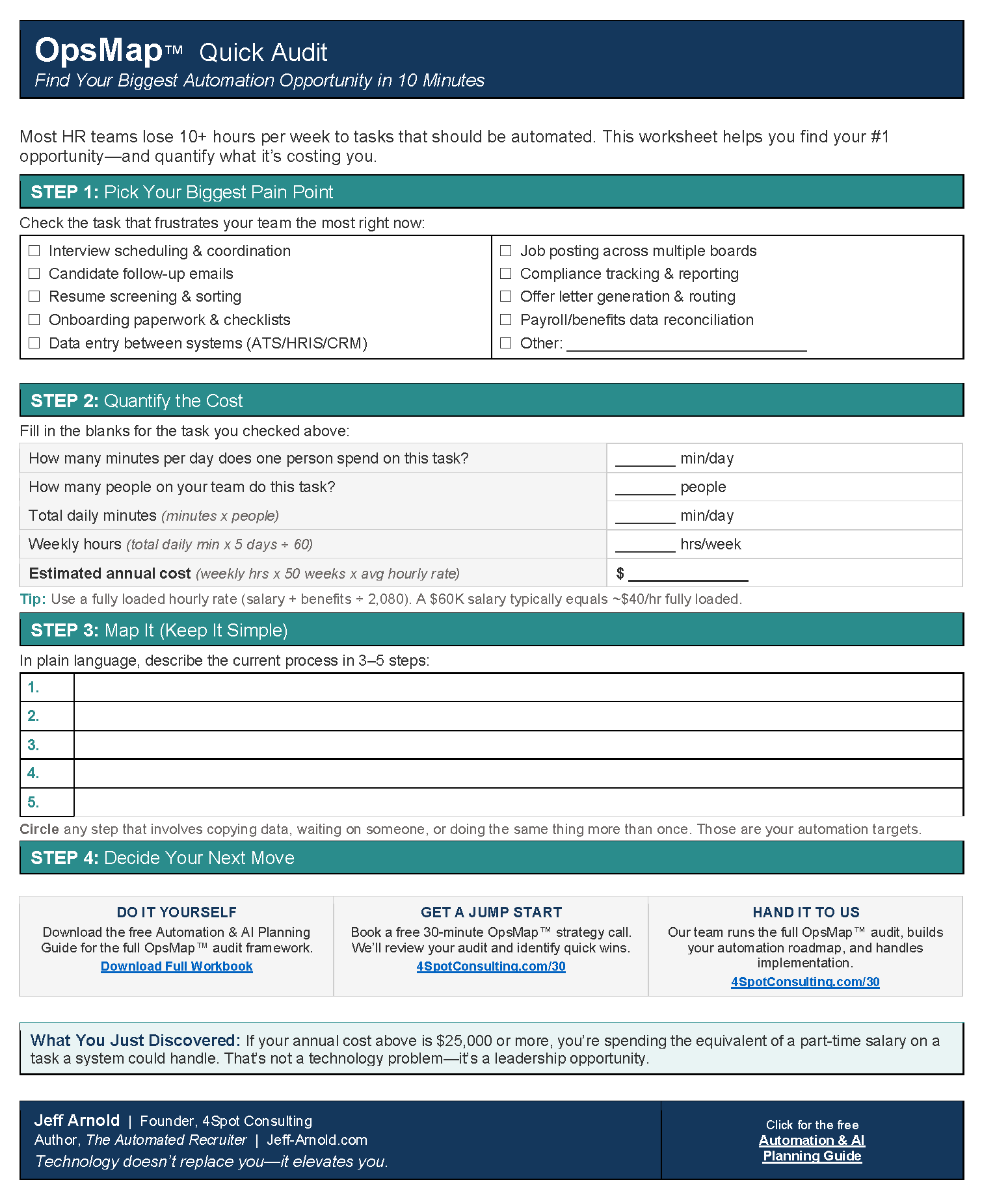
That is what 4Spot Consulting does: automation and AI done right, built on Make.com. An OpsMap™ review shows where your hiring and payroll data disconnects, and the build connects the systems your team already uses so a new state or country starts the right checklist without anyone having to remember it.
Next steps
If a hire in a new state or country is coming up, talk with 4Spot Consulting about connecting your offer, HR and payroll systems so the checklist starts at the offer.