Will CRM be replaced by AI?
No. AI will not replace the CRM; it replaces much of the manual work people do inside it. A CRM is the system of record for a business’s contacts, deals, conversations and customer history, and AI tools depend on that record to answer questions, draft messages and decide what happens next. What changes is who does the typing: AI and automation now log activity, update fields, summarize calls, route leads and prompt follow-ups, while the CRM remains the single source of truth that holds it all together.
Key Takeaways
- A CRM stores the customer record; AI acts on that record. One does not replace the other.
- AI removes data entry, note-taking, follow-up reminders and routine reporting from the team’s plate.
- AI is only as good as the CRM data underneath it, so clean data comes first.
- The value comes from connecting AI, the CRM and the other systems a business runs on, which is where an automation platform such as Make.com fits.
Why won’t AI replace the CRM?
A CRM exists to hold one trusted version of every customer relationship, and an AI model has no permanent business memory of its own to take that job over. A language model answers based on what it is given at the moment it is asked. It does not keep an auditable list of who your customers are, what they bought, what they were promised or who on your team owns each account. That record has to live somewhere structured, permissioned and backed up, and that place is the CRM.
Consider what a business needs from a customer record: correct contact details, a full history of emails and calls, the stage of every open deal, consent and opt-out status, and a clear owner. Those are facts the business is accountable for. They need to be the same tomorrow as today, visible to the right people and hidden from everyone else. AI is strong at reading, summarizing and predicting. It is not a substitute for a database the business controls.
So the more AI a company adds, the more the CRM matters. Every AI assistant that drafts a follow-up email, scores a lead or prepares a meeting brief pulls its facts from the CRM. Weak records give weak answers. We cover the data side in our guide to CRM data integrity.
What does AI replace, if not the CRM?
AI replaces the repetitive work that has always made a CRM feel like a chore. The jobs it takes over include:
- Data entry: pulling details from emails, forms and calls into the right fields.
- Notes: turning a call recording or meeting transcript into a short summary attached to the contact.
- Follow-up: drafting the next email from the conversation history and reminding the owner when a deal stalls.
- Cleanup: spotting duplicate contacts, missing fields and formatting problems.
- Reporting: answering a plain-language question about the pipeline instead of someone building a report by hand.
- Routing: reading an inbound inquiry, deciding what it is about and sending it to the right person.
Each of these used to depend on a person remembering to do it. When the work depends on memory, records go stale, and stale records are why a team stops trusting its CRM. Taking the typing off the team is how AI makes the CRM more useful, not less.
How do AI and a CRM work together?
AI works with a CRM as a layer that reads from the record, makes a decision and writes the result back. Here is a simple example. A new inquiry arrives through a web form. An automation sends the message to an AI model, which identifies the type of request and how urgent it is. The automation then checks the CRM for an existing contact, creates or updates the record, applies the right tags, assigns an owner and drafts a reply for a person to review. Every step leaves a trace in the CRM, so the record stays complete.
The piece that connects these steps is an automation platform. We build this layer on Make.com, which links the CRM to email, forms, calendars, accounting and AI models in one visual workflow. A Make.com scenario can branch on what the AI returns, sending a sales inquiry one way and a support request another; we explain how that works in our post on conditional logic in Make.com. Newer connections let AI assistants call those workflows directly, which we describe in why the Make MCP server matters.
CRM products now include their own built-in AI features. Those features help inside one tool, but a business runs on more than one tool. The CRM is one system among several, and the work that crosses systems is where an automation layer earns its place.
Expert Take
Behind the question of whether AI will replace the CRM there is usually a second question: do we still have to keep this thing updated by hand? People should not have to. When AI and automation handle the logging, the CRM becomes the most accurate picture of the business instead of the most neglected one. A business that treats its CRM as the foundation for AI gets more from both than one looking for a way around it.
What should you watch for before adding AI to your CRM?
Five problems decide whether AI helps or hurts a CRM, and each one needs a plan before anything runs live.
- Dirty data. Duplicates, blank fields and outdated contacts make AI confidently wrong. Clean the records first, then automate.
- Unreviewed writes. Let AI draft and suggest before letting it change records or send messages on its own. Keep a human approval step wherever a wrong action reaches a customer.
- Data privacy. Know which customer data goes to which AI service and what that service does with it. Read the vendor terms and talk with qualified counsel about the obligations that apply to your business.
- Missing error handling. When an automation breaks without telling anyone, records stop updating and nobody notices until a customer does. Every step needs error handling and an alert to a named person.
- Tool sprawl. Turning on a separate AI feature in every app produces disconnected answers. One workflow layer keeps the CRM at the center.
Frequently asked questions
Does a small business still need a CRM if it uses AI tools?
Yes. A small business needs one place that holds every customer and every conversation, and AI tools work better when they read from it. Without a CRM, each AI tool sees only the fragment of customer history it was handed, and nobody owns the full picture.
Can AI run a CRM without people?
No. AI handles routine updates and drafts, but people still set strategy, approve sensitive actions and own the customer relationship. The strongest setup gives AI the repetitive work and keeps a person in the loop wherever a mistake reaches a customer.
Should we switch CRMs to get AI features?
Not by default. Switching CRMs is a large project, and the AI value usually comes from cleaning the data in the CRM you already have and connecting it to the rest of your systems. If a move does make sense, plan it step by step; our CRM migration project plan lays out the sequence.
Why getting this right matters, and where help fits
A CRM with AI built around it well becomes the most accurate record of the business, while one built poorly spreads bad data at machine speed. When AI writes to customer records, sends messages or routes leads, small design choices decide whether a customer gets the right reply or the wrong one. Field mapping, duplicate rules, approval steps, error handling and data privacy all have to be planned before anything goes live. Getting those decisions right at the start costs far less than untangling a polluted database later.
A business brings in outside help for this work because it crosses several systems at once, and the person who knows the CRM best is rarely the person who knows the automation and AI side. Someone has to see the whole flow, from the form or inbox to the AI model to the CRM and back, and build it so it keeps working when volume grows or a step fails.
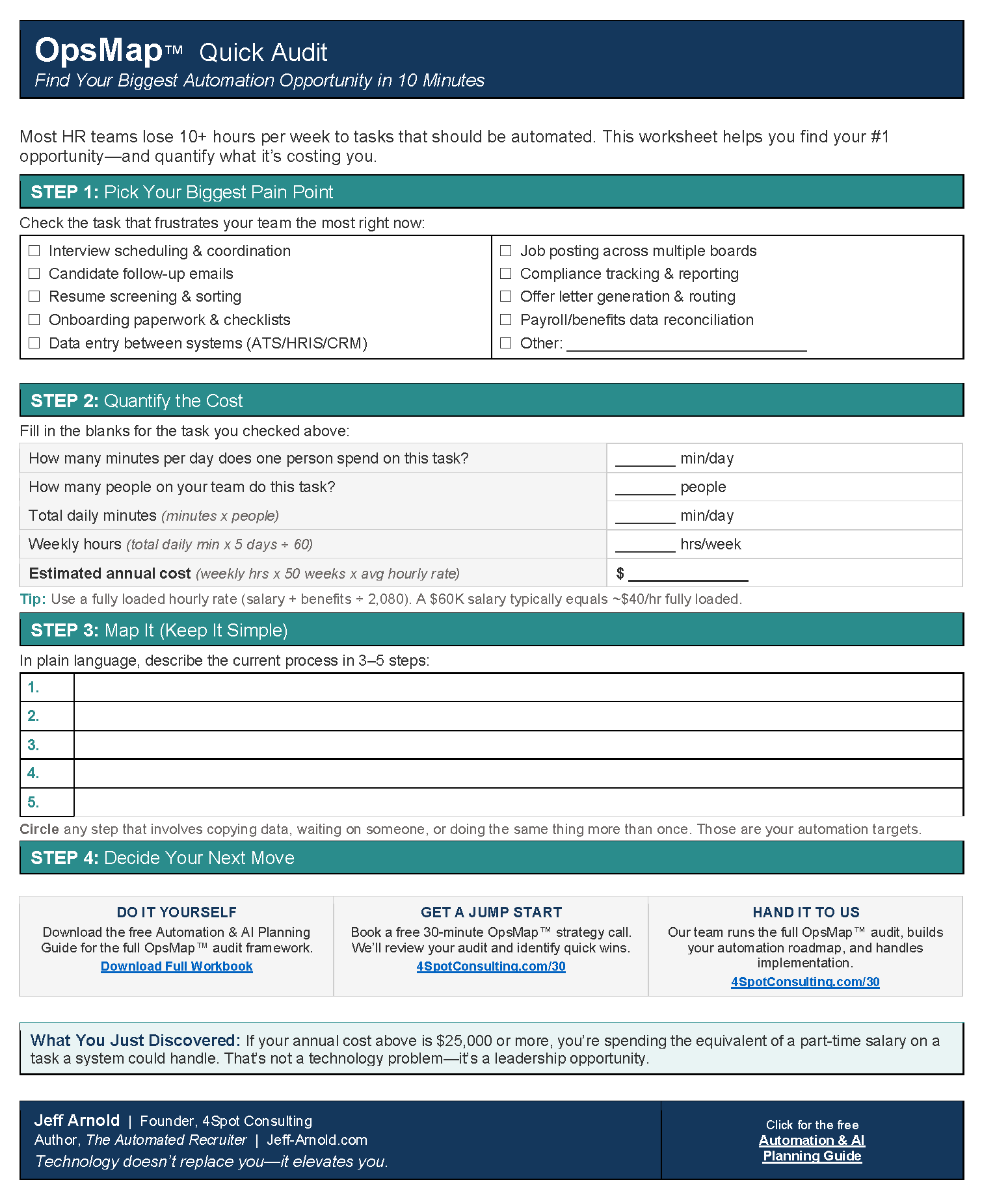
That is what 4Spot Consulting does. We design and build automation and AI done right, on Make.com, with the CRM as the source of truth. Our work starts with an OpsMap™, a review of how work, data and people move through your business today, so the AI layer is built on clean records and clear rules instead of guesses.
Next steps
If you want AI to make your CRM more useful instead of replacing it, talk with our team about where it fits in your business.

RELATED POST