How do you create an AI agent for your business?
You create an AI agent for your business by choosing one narrow, repeatable job, mapping every step and decision in that job, and then connecting a language model to the data, tools and instructions it needs to do that job on its own. The agent runs inside an automation platform that hands it work, carries out the actions it chooses, records what it did and sends anything outside its limits to a person. You test it on actual work with a human reviewing every result before it acts unsupervised.
Key takeaways
- An AI agent is software that reads a situation, decides what to do next and takes action through connected tools, inside limits you set.
- Start with one job that has clear inputs, clear outputs and mistakes you can catch before they reach a customer.
- The process map comes before the prompt. If you cannot write the steps down, the agent cannot follow them.
- Instructions, tool access, context and guardrails matter as much as the model you pick.
- Run it beside a person first, log every decision and expand its authority only after it earns it.
What is an AI agent, in plain terms?
An AI agent is software that takes a goal, reads the information in front of it, decides on the next action and carries out that action through tools you have connected to it. It does this inside limits you set, and it hands anything outside those limits to a person.
It helps to compare it with two things you already know. A chatbot answers questions in a chat window and stops there. A rule-based automation follows the same path every time: a form comes in, a contact gets created, an email goes out. An AI agent sits between the two. It handles the parts of a process where the next step depends on judgment, such as reading an email to work out what the sender wants, choosing which record to update, or drafting a reply that suits the situation.
Every business AI agent has four working parts:
- A language model. This is the reasoning engine. It reads text, weighs options and produces a decision or a draft.
- Instructions. These tell the agent its role, its goal, the steps to follow, the rules it must obey and what it must never do.
- Tools. These are the actions it can take: look up a customer, create a task, update a record, save a draft for approval. An agent without tools can only talk.
- Context. This is the information it works from on each run: the incoming message, the customer’s history, your policies and any notes from earlier steps.
Around those four parts sits the automation layer that starts the agent, passes it information, carries out the actions it chooses and records what happened. That layer decides whether the agent is dependable, and it gets less attention than it deserves.
Expert Take
When an owner tells me they want an AI agent, my first question is which job they want off someone’s desk. “An AI agent” is not a goal. “Every quote request gets sorted, matched to the right customer record and answered with a draft for review within ten minutes” is a goal, and it tells you what to build, what to connect and how to judge whether it works.
Why would a small or midsize business build an AI agent?
A small or midsize business builds an AI agent to take repetitive, judgment-heavy work away from the people who do it by hand today, so they can spend their hours on work that needs a person.
In a smaller company, the same few people answer customers, update the CRM, chase paperwork and prepare for meetings. Much of that work is reading something, deciding what it means and moving information from one place to another. Rule-based automation handles the moving. An agent handles the reading and deciding, which used to require a human every time.
The benefits show up in a few places:
- Response time. An agent starts work the moment a request arrives, including nights and weekends.
- Consistency. It applies the same rules to the first request of the day and the last one.
- Capacity. It absorbs growth in volume without a matching growth in headcount.
- Better use of people. Your team reviews and approves instead of typing and copying.
An agent is not always the right tool. If a process follows the same steps every time with no judgment involved, a standard automation is cheaper to run, easier to test and more predictable. Agents earn their place where the input varies and someone has to interpret it. If you are still sorting out which processes are ready, these signs your business is ready for advanced automation are a good place to begin, and this list of automations that no longer need a developer shows how far standard automation goes on its own.
How does an AI agent work behind the scenes?
Every business AI agent runs the same cycle: something triggers it, it gathers context, it decides, it acts and it records the result.
- Trigger. A new email, a form submission, a changed record, a scheduled time or a request from another system starts the run.
- Gather context. The automation pulls what the agent needs: the customer record, recent messages, the relevant policy or price sheet, notes from previous runs.
- Decide. The model reads its instructions and the context, then chooses what to do: answer, call a tool, ask for more information or hand the case to a person.
- Act. The automation platform carries out the tool call the model chose, such as updating a record, creating a task or saving a draft reply.
- Check and record. The system confirms the action worked, logs what the agent did and why, and sends exceptions to the right person.
For a simple job, that cycle runs once. For a more involved job, the agent repeats it, using the result of one action to decide the next, until it reaches the goal or hits a limit you set, such as a maximum number of steps.
Larger jobs work better split up. One coordinating agent holds the conversation and the overall goal, and it hands specific tasks to specialist agents that each own one area, such as scheduling, customer records or billing questions. Each specialist gets its own instructions, its own tools and clear statements about what it does not do. Simple lookups, like searching the web or fetching a record, stay as plain tools on the coordinator rather than becoming agents of their own. Newer connection standards make it easier for agents to reach your business tools; this piece on why the Make MCP server matters explains one of them.
How do you create an AI agent step by step?
You create an AI agent in seven steps: pick one job, map the process, define what good output looks like, gather the data and tools, write the instructions, build and connect it, and test it beside a person.
1. Pick one job
Choose a single job that repeats daily or weekly, follows a recognizable pattern most of the time, involves reading or deciding, and produces mistakes you can catch before they reach a customer. Good first candidates include sorting inbound requests and routing them to the right person, preparing a short brief before each sales call from your CRM notes, drafting first replies to common questions for a person to approve, and cleaning up and completing new contact records. Leave anything that moves money, signs commitments or speaks for you in public until the agent has a record you trust.
2. Map the process as it runs today
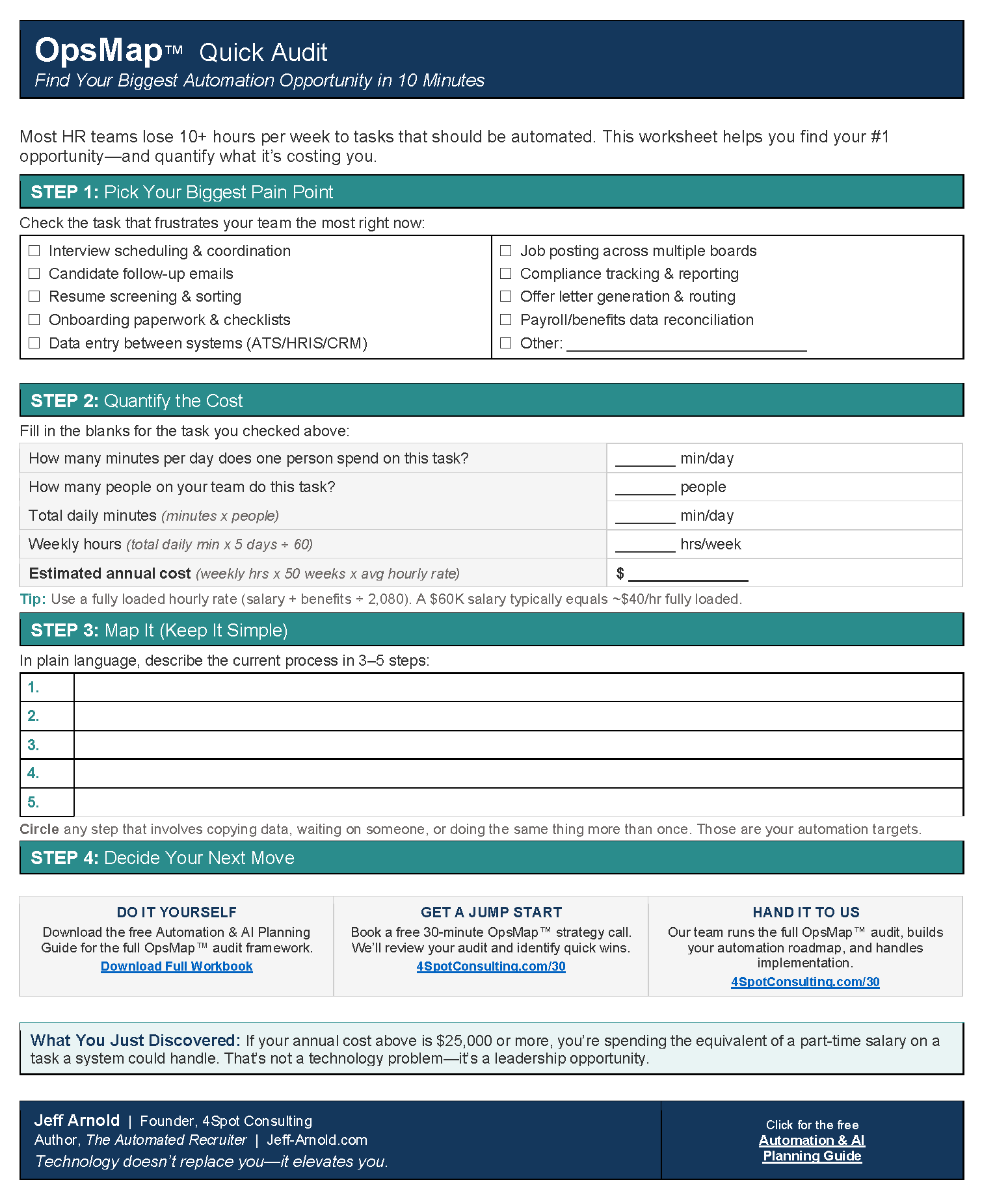
Interview the person who does the job now and write down every step, every decision, every exception and every system they touch. Ask what they look at to decide, what they do when information is missing and which cases they always pass to someone else. If the steps cannot be written down, the agent cannot follow them. A workflow audit is the structured version of this step, and the method applies well beyond HR.
3. Define what good output looks like
Before you build anything, decide how you will judge the agent. Write down the output format, the response time you expect, which cases count as exceptions and what a correct result looks like. Then pull a set of past examples with known outcomes. Those examples become your test set, and they keep the build grounded in your business instead of in what a demo can do.
4. Gather the data and the tools
List every system the agent needs to read from and every system it needs to write to. Give it the least access that gets the job done, and start with read-only access wherever you can. Look hard at the quality of the data it will use. An agent that reads duplicate, outdated or half-filled records makes its decisions on that bad information, so clean CRM data is part of the build, not a separate project.
5. Write the instructions
Good agent instructions read like a clear job description for a new hire. They cover the role, the goal, the steps in order, the rules, the output format and what to do when the agent is unsure. They also say what the agent never does, in plain sentences: “You never send an email directly. You save every reply as a draft for review.” When an agent hands work to another agent or tool, the instructions say exactly which values to pass and where each one comes from. Anything that must be exact, such as dates, record types and IDs, gets set by the automation, never typed by the model.
6. Build and connect it on an automation platform
An automation platform such as Make.com is where the agent lives day to day. A scenario watches for the trigger, gathers the context, sends it to the model with the instructions, carries out the actions the model picks and writes a log of each run. This is also where reliability gets built: retries when a connected app is briefly down, error routes that send failures to a person instead of dropping them, and conditional logic that keeps certain decisions out of the model’s hands entirely. For more on why visual building helps here, see these advantages of a no-code automation platform.
7. Test it beside a person
Run the agent against your past examples first and compare its output with the known outcomes. Then move it to live work in suggest-only mode, where it drafts or recommends and a person approves every action. Review its results against the standards you wrote in step 3. Grant it authority one action at a time, and only after it has handled that action correctly over a meaningful run of cases.
What decisions do you need to make before you build?
Before you build, decide how much authority the agent gets, which model it runs on, where your data goes, whether to buy or build, and who owns the agent after launch.
- Authority level. An agent can suggest only, act with a person’s approval, or act alone within set limits. Start at the first level and move up as it earns trust.
- Model choice. Stronger models reason better and cost more per run; lighter models handle narrow sorting and extraction well at a lower cost. Test candidates on your own examples and pick on quality for the price, not on the newest name.
- Data and privacy. Know exactly which data the agent sends to a model provider, read that provider’s data-use terms, and keep sensitive customer or employee information out unless you have confirmed it is allowed. If you handle regulated data, talk to qualified counsel before you connect it.
- Buy or build. An assistant built into a single app works inside that app. A custom agent built on an automation platform works across all your systems and follows your process instead of the vendor’s.
- Ownership. Name one person who reviews the logs, approves changes to the instructions and decides when the agent gets more authority. An agent nobody owns degrades as the business changes around it.
- Running cost. Every run uses model capacity and automation operations. Measure the cost per run during testing so the monthly number holds no surprises.
What should you watch for once the agent is running?
Once an AI agent is running, watch for confident wrong answers, failures that produce no error, runaway costs, outside content that tries to give it orders, and instructions that no longer match how your business works.
- Confident wrong answers. Language models write fluent text whether or not it is correct. Review a sample of the agent’s work every week, and require it to point to the record or document behind any fact it states.
- Failures with no error message. A step can come back empty while the run still reports success. Build checks that confirm the expected result exists, and set up proactive error monitoring so a failed run reaches a person the same day.
- Runaway loops and cost. Cap the number of steps per run and set alerts on usage spikes, so a stuck agent stops instead of repeating itself all night.
- Instructions hidden in outside content. Emails, web pages and documents can contain text written to steer an AI. Treat everything from outside the business as information to read, never as orders to follow, and keep the agent’s tool access narrow so a bad instruction has little it can reach.
- Scope creep. Once an agent works, people ask it to do more. Add new jobs as new, separately tested agents rather than piling them onto one.
- Stale instructions. Prices, policies, staff and products change. Put the agent’s instructions on a review schedule, and retest whenever the model provider retires or replaces the model you use.
These problems grow with volume, which is why scaling automation deserves its own plan.
Expert Take
The agents I trust most are boring to watch. Every run leaves a log entry, every exception goes to a named person, and nobody wonders whether it ran last night. If you cannot answer “what did the agent do yesterday, and why” in two minutes, it is not ready for more responsibility.
How should you start your first AI agent?
Start your first AI agent with one low-risk job that someone on your team does every day and can explain step by step.
- List five to ten jobs that eat time each week and involve reading or deciding.
- Score each one on how often it happens, how predictable it is and how much damage a mistake would do.
- Pick the job with high frequency, a clear pattern and low risk.
- Map it with the person who does it, and write down what good output looks like.
- Build it in suggest-only mode and review every result daily for the first couple of weeks.
- Give it one action it can take on its own, and keep reviewing a sample.
- Only then choose the next job.
That first agent teaches your team how to write instructions, how to review AI output and how to decide when to trust it. Those habits matter more than any single build, and they make the second and third agents faster and safer to create.
Frequently asked questions
Do you need a developer to build an AI agent?
You do not need a developer to build a simple business AI agent, because a visual automation platform such as Make.com lets you connect a language model to your apps without writing code. What you do need is design discipline: a mapped process, clear instructions, error handling and a testing plan. Connections to unusual or custom systems can call for technical help.
What is the difference between an AI agent and an automation?
An automation follows the same predefined steps every time, while an AI agent chooses its next step based on what it reads. In practice, the best business agents live inside automations: the automation handles triggers, exact values and record keeping, and the agent handles the judgment calls.
How long does it take to build an AI agent?
Build time depends on three things: how clearly the process is documented, how clean the data is and how many systems the agent touches. A narrow agent working from a well-documented process and clean records comes together far faster than one that first needs its process mapped and its data cleaned. Testing beside a person adds time, and it is time well spent.
Is it safe to let an AI agent act on its own?
An AI agent is safe to act on its own only after it has handled supervised work correctly and only within limits you set in advance. Keep high-stakes actions, such as payments, contracts and public posts, behind human approval, log every action and review a sample on a regular schedule.
Why getting this right matters, and where help fits
Getting an AI agent right matters because it works on your customers, your records and your reputation at machine speed, so a design mistake repeats on every run until someone catches it.
A well-built agent gives your team hours back, answers customers faster and applies your rules the same way every time. A poorly built one sends wrong information with confidence, fails without telling anyone, or writes bad data into systems your business depends on. The difference rarely comes from the model. It comes from the process map, the data access, the instructions, the error handling and the testing discipline around it.
That is why teams bring in help. Designing an agent well means knowing how to break a job into the right pieces, which decisions to give the model and which to keep in hard rules, how to handle failures so nothing gets lost, and how to prove the agent works on your own data before it touches a customer. It also means someone keeps it current as your business, your apps and the models change.
This is what 4Spot Consulting does: automation and AI done right, built on Make.com. We map the process with your team, design the agent and the automations around it, build in error handling and logging from day one, and test against your own cases before anything goes live. Every agent fits into OpsMesh™, our overarching system for turning fragmented systems into a single, reliable operating fabric, so it works with the rest of your operation instead of becoming one more disconnected tool. You can learn more about 4Spot Consulting or see the systems we connect.
Questions this guide answers
- Make.com vs AI Agents: What HR Leaders Actually Need to Know
- Mastering AI Recruiting Ops: Atlas Agents & Skill Validation
- What is a Case Study and How to Create One With WordPress
Next steps
If you have a job in mind for your first AI agent, or you want help choosing one, start a conversation with us. We will look at the process with you and tell you whether an agent, a simpler automation or neither is the best fit.

RELATED POST