Can you provide some examples of CRM automation?
CRM automation is any rule that makes your customer relationship management system act on its own when something happens, such as a new form submission, a deal changing stage or a contact going inactive. Common examples include capturing and routing new leads, sending instant follow-up messages, scoring and tagging contacts by behavior, running nurture sequences, creating tasks when a deal moves forward, starting onboarding when a deal closes, sending appointment reminders, merging duplicate records and requesting renewals or reviews at the right moment.
What does CRM automation mean in practice?
Every CRM automation has three parts: a trigger, a condition and an action. The trigger is the event that starts it, such as a form submission, a tag being applied or a date arriving. The condition decides whether the automation runs for this contact. The action is what the system does next: create or update a record, send a message, assign a task or pass data to another system.
Here is a simple example. When a web form is submitted (trigger), if the contact selected ‘request a quote’ (condition), the system creates the contact, assigns it to the sales owner for that region and sends a confirmation email (action). Some automations live inside the CRM itself. Others connect the CRM to the rest of the business, including your website forms, calendar, accounting system and project tool, through an automation platform such as Make.com.
CRM automation examples across the customer lifecycle
The clearest way to see CRM automation is to follow a contact from first touch to repeat customer. Each stage has steps that someone on your team does by hand today, and each of those steps is a candidate for automation.
- Lead capture and routing. A form, chat or inbound email creates or updates the contact, checks for an existing record, records the lead source and assigns an owner by territory, service line or rotation.
- Instant follow-up. The new lead receives a confirmation email or text within moments, and the assigned owner gets a task with a due time. If nobody logs a call by the deadline, the system escalates to a manager.
- Behavior-based tagging and scoring. Email opens, link clicks, page visits and form answers add tags or points, so the most engaged contacts rise to the top of the call list.
- Nurture sequences. Contacts who are not ready to buy receive a series of useful emails matched to their interest, and the sequence stops the moment they book a call or reply.
- Appointment booking and reminders. A booked meeting updates the contact record, sends reminders before the call and starts a no-show follow-up if the meeting is missed.
- Pipeline stage actions. Moving a deal to ‘proposal sent’ creates a follow-up task for three days later. Moving it to ‘won’ triggers the welcome email, the onboarding checklist, the project in your delivery tool and the invoice in your accounting system.
- Retention and renewal. Reminders go out before a contract ends, a review or referral request goes out after a delivery milestone, and contacts with no activity for a set period enter a re-engagement sequence.
- Data hygiene. Scheduled jobs merge duplicates, standardize phone and name formats, fill missing fields from known sources and send incomplete records to a review list.
- Reporting. A weekly pipeline summary, built from live CRM data, arrives in leadership’s inbox without anyone exporting a spreadsheet.
For more ideas built around one CRM, see our collection of CRM automation recipes that save hours every week.
CRM automation examples for recruiting
Recruiting firms and in-house talent teams use the same building blocks, with candidates in place of buyers. The CRM becomes the record of every candidate conversation, and automation moves each person through the process without a recruiter retyping data.
- Application intake. An application creates a candidate record, attaches the resume, tags the role and location and sends an acknowledgment.
- Status updates. Candidates get a message when they move from screening to interview to offer, so nobody is left wondering where they stand.
- Interview scheduling. Moving a candidate to the interview stage sends a booking link, reminders to both sides and a feedback form to the interviewer afterward.
- Talent pool nurture. Strong candidates who were not hired are tagged by skill and receive periodic updates about new openings.
- Job order intake. For agencies, a new job order from a client creates the opening, notifies the recruiter and starts a sourcing checklist.
Our guide Implement Keap CRM: Drive Recruiting Automation with AI shows how these pieces fit together into one recruiting system. Tags do most of the sorting work in that system, and our article on dynamic tagging for automated CRM organization covers how to structure them.
Where does AI fit into CRM automation?
AI adds judgment to steps that used to need a person to read something first. Rule-based automation handles the trigger and the routing, and AI handles the reading and writing in between.
- Summarizing call or meeting notes and saving the summary to the contact record.
- Sorting inbound emails by intent, such as a sales inquiry, a support request or an unsubscribe request, and routing each one to the right place.
- Parsing resumes or intake forms into structured CRM fields.
- Drafting a personalized follow-up for a person to review and send.
- Suggesting a next step for the contact owner based on recent activity.
Expert Take
Put AI where the input is messy and the output is easy to review. Summarizing notes and sorting emails are good starting points because a person sees the result and corrects it when needed. Letting AI send client-facing messages with no review is where trouble starts, so we build a human approval step into any AI-written message until the results prove consistent.
What to watch for before you automate
Automation amplifies whatever is already in your CRM, so start with clean data and clear rules. A messy database plus automation produces mistakes faster than a person ever would.
- Duplicate records. If the same person exists twice, they get two sequences and two sets of reminders. Our article on automation rules that prevent duplicate contacts covers the safeguards.
- Clear ownership. Every automated task needs a named owner and a due date, or it sits untouched.
- Stop conditions. Every sequence needs an exit when a contact replies, books or buys.
- Error handling. Connections between systems fail from time to time. Build alerts and retries so a failed step gets caught instead of disappearing.
- Testing. Run each automation with test contacts before it touches live records.
- Documentation. Write down what each automation does and why, so the next person can maintain it.
Our CRM implementation checklist for automated recruiting lays out these steps in order.
Frequently asked questions
What is the easiest CRM automation to start with?
Instant lead follow-up is the easiest place to start because it has a clear trigger, a short action and a visible payoff. A new inquiry gets an immediate confirmation, and the owner gets a task, so no lead waits on someone remembering to call.
Does CRM automation replace salespeople or recruiters?
No. CRM automation removes the repetitive steps around a conversation, such as data entry, reminders and status emails, so people spend their time on the conversations themselves.
How many automations does a small business need?
A small business needs one automation for each repeatable, rule-based step that costs time or loses leads when someone misses it. Start with three to five that cover lead capture, follow-up and the handoff to delivery, then add more once those run cleanly.
Why getting this right matters, and where help fits
A CRM automation that works saves time every day, and one that misfires sends the wrong message to the wrong person under your name. Duplicate sequences, broken connections and stale data all erode the trust your team works hard to build with prospects, clients and candidates.
Getting it right means mapping the process first: deciding which steps to automate, which need a person, how the systems connect and what happens when a step fails. Then comes building in error handling and testing before anything goes live. That design work is why bringing in an outside partner pays off. The build itself is only part of the job.
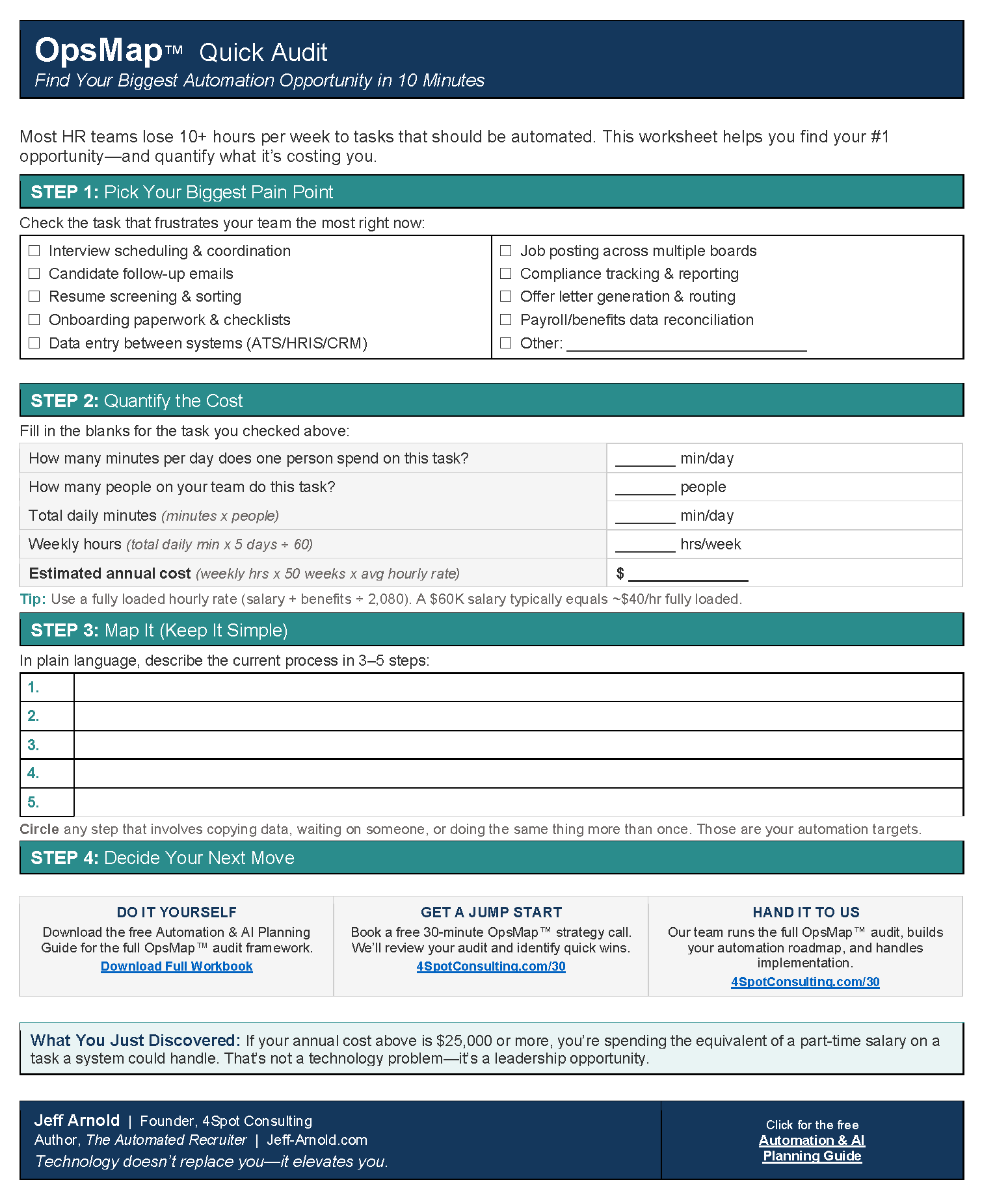
This is what 4Spot Consulting does. We design and build automation and AI done right, on Make.com, connecting your CRM to the forms, calendars, accounting and delivery tools your business already runs. Our OpsMap™ process starts by mapping how work moves through your business today, so every automation we build solves a problem you have.
Next steps
If you want to know which CRM automations would save your team the most time, start a conversation with 4Spot Consulting. We will walk through your current process with you and show where automation fits.

RELATED POST